

Logbook Detailed
Logbook Detailed provides more options for reviewing and managing trip records. This view is useful when many trips need to be checked, corrected, assigned to drivers, or prepared for reporting. The smartmove portal gives more space than a mobile screen, which makes detailed logbook work easier. Trip records can be reviewed in more detail. Trip types can be adjusted, drivers can be assigned, and missing information can be completed where needed. When trip entries are changed, the process remains structured for later review. This is important when trip records need to stay understandable after corrections were made.Recording Trips
Recording Trips explains how trip entries are created in the logbook. Trips are recorded automatically when the vehicle setup supports it. In this case, Fleets creates a trip entry when the vehicle starts moving and completes it when the journey ends. Available time and location information is saved with the record. Manual trip creation is available when automatic tracking is not enabled, vehicle data is incomplete, or a trip needs to be entered later. If an existing trip entry is changed, a reason must be entered. This keeps later adjustments traceable and makes it easier to understand why the record was changed. This keeps the Logbook structured while still allowing for flexibility.BETA Automatic Logbook
The automatic logbook records trips without manual input based on GPS data whenever a journey starts and ends. Drivers can be assigned later, and trip types can be adjusted if necessary. All entries remain editable, while changes require a reason for compliance purposes.Default Driver for Auto Logbook
Default Driver for Auto Logbook assigns a standard driver to a vehicle. When Auto Logbook is enabled, completed trips are assigned automatically to the selected default driver. This is useful for vehicles that are usually driven by the same person. The driver remains editable if another person used the vehicle. In that case, the trip record can be corrected without changing the default setting for future trips. This reduces repeated manual updates and keeps driver information more consistent for vehicles with a regular driver.Manually
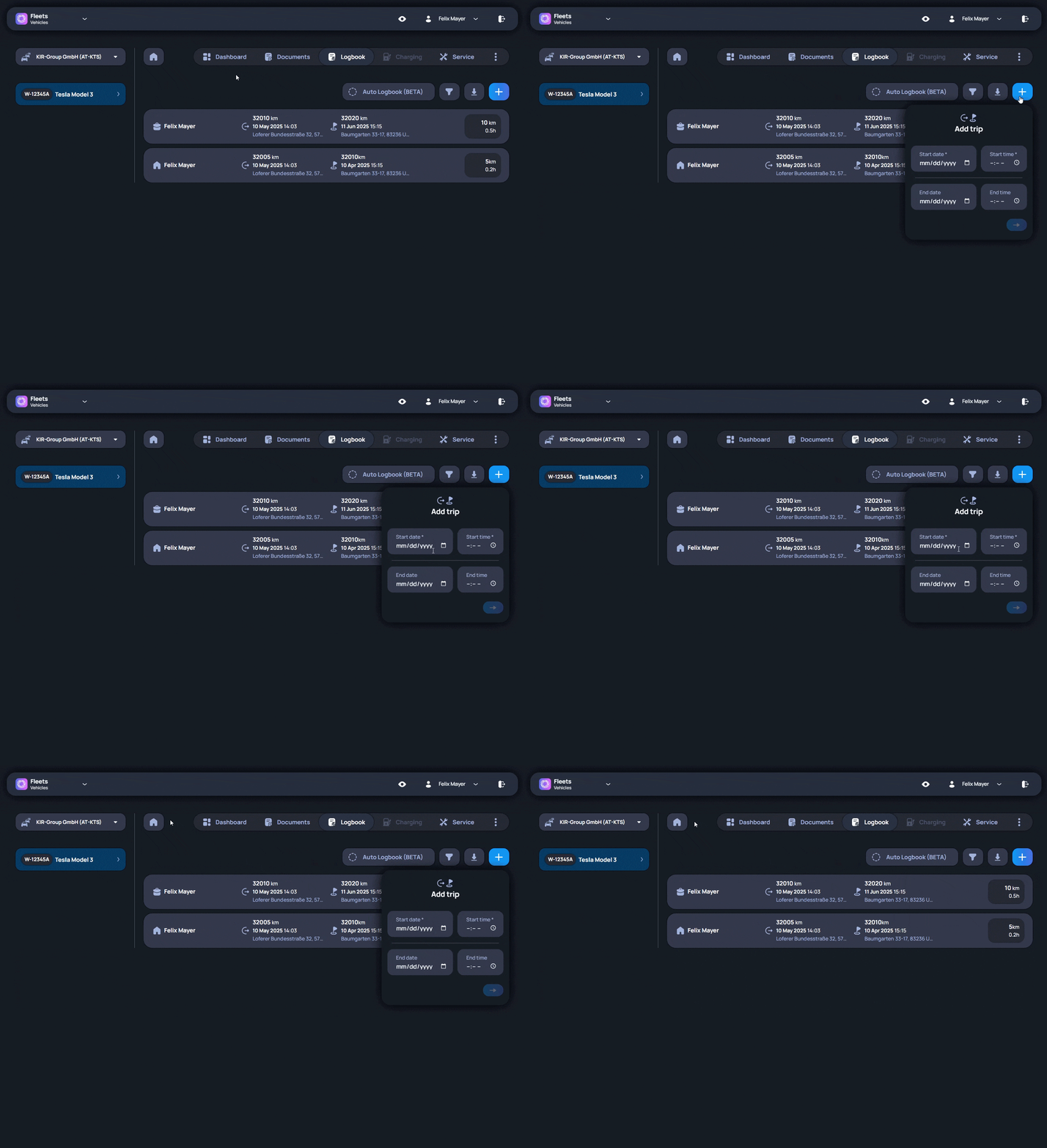
Trips may also be created or edited later manually. If GPS tracking is disabled, all trip details including locations can still be managed manually.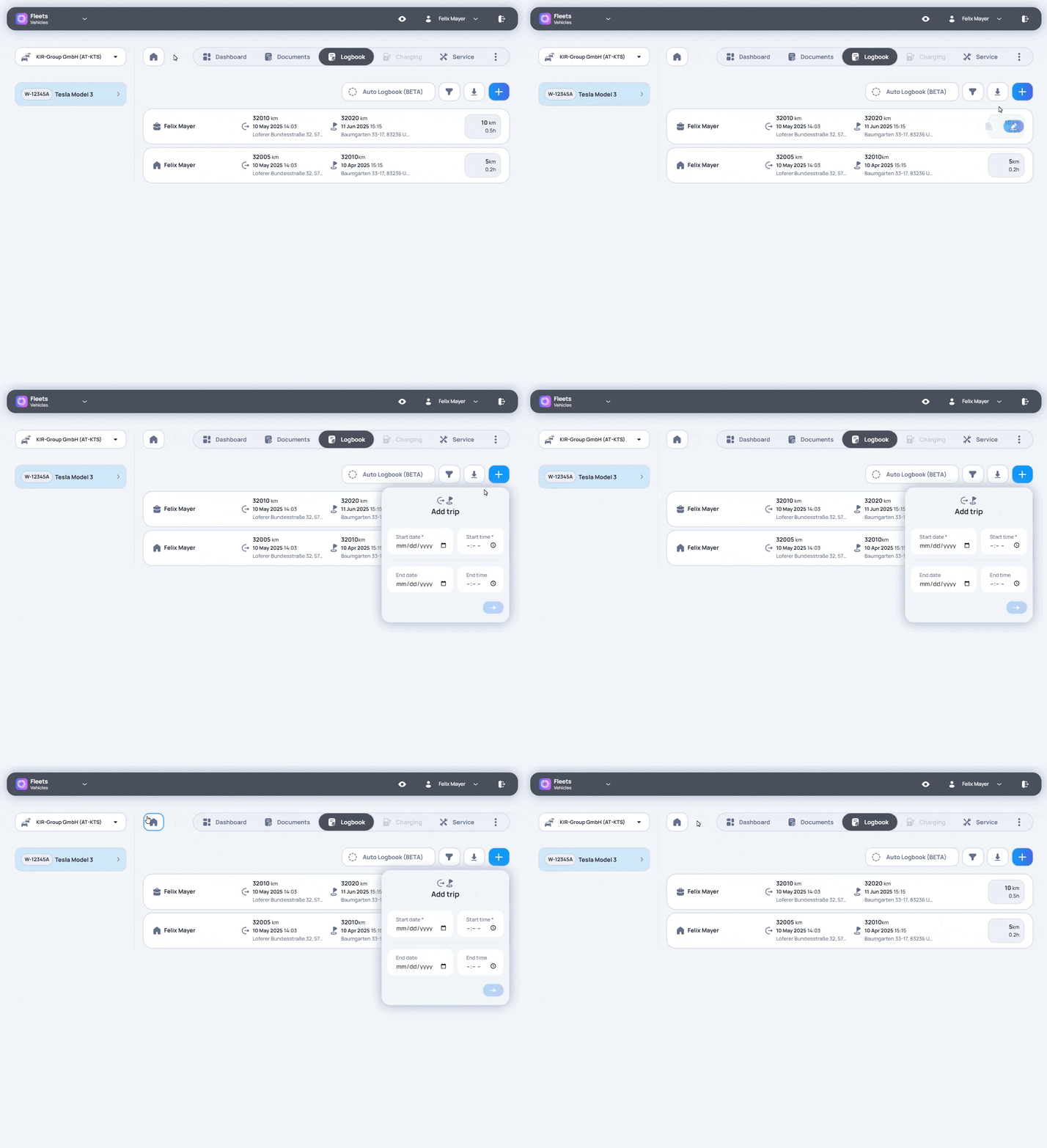
Export
Export creates a PDF version of the logbook for a selected time period. The export includes the trip information needed for review, reporting, or documentation. Depending on the requirement, it can also include audit information that shows changes made to trip entries. Users choose the relevant period and create the export from the available logbook data. This gives users a consistent logbook record that can be saved, shared, or reviewed outside the platform when needed.Troubleshooting
If automatic trips are missing, you can check:
- Privacy settings: Make sure location sharing is enabled in your vehicle�s system. If only general vehicle data is shared, location data won�t be available.
- Data package: Ensure your vehicle has an active subscription (e.g. �VW Connect Plus�) that includes GPS data.
- Permissions: Confirm that all required permissions (vehicle status, location, trip data) are enabled in your account. If needed, reconnect the vehicle.