
Import
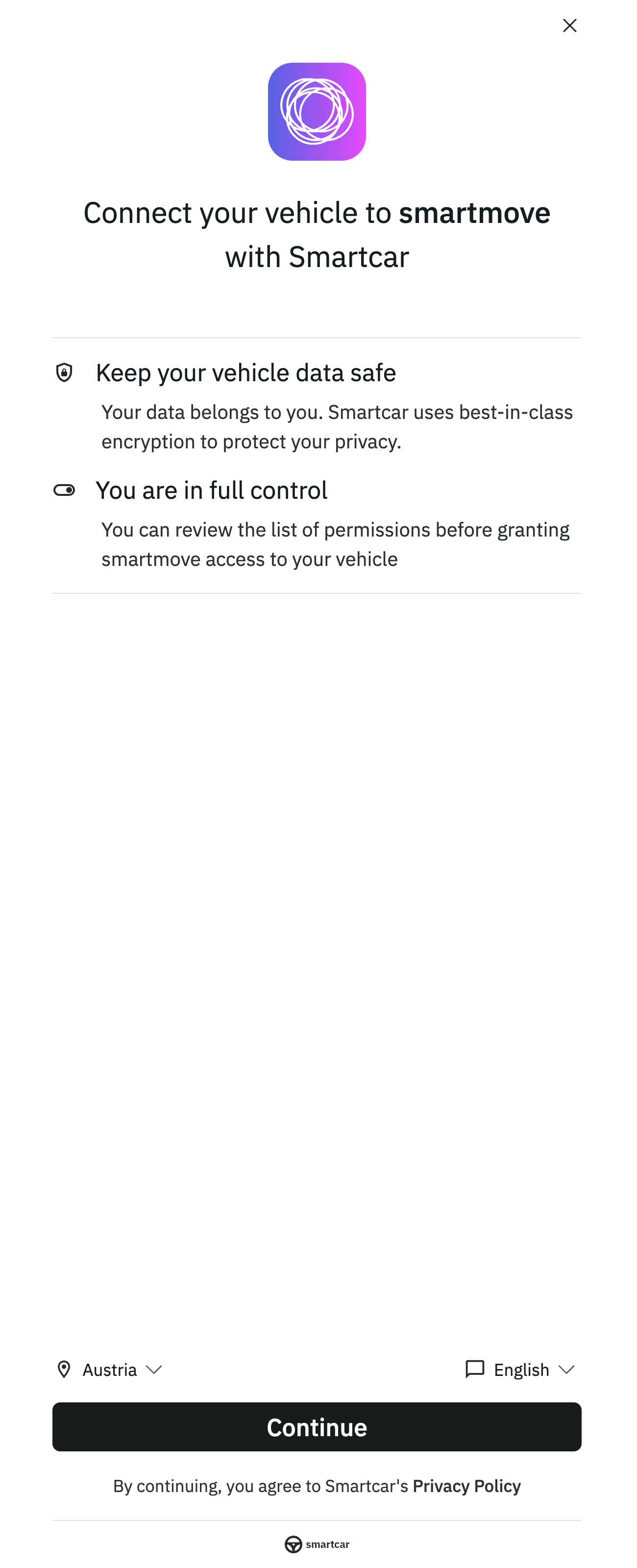
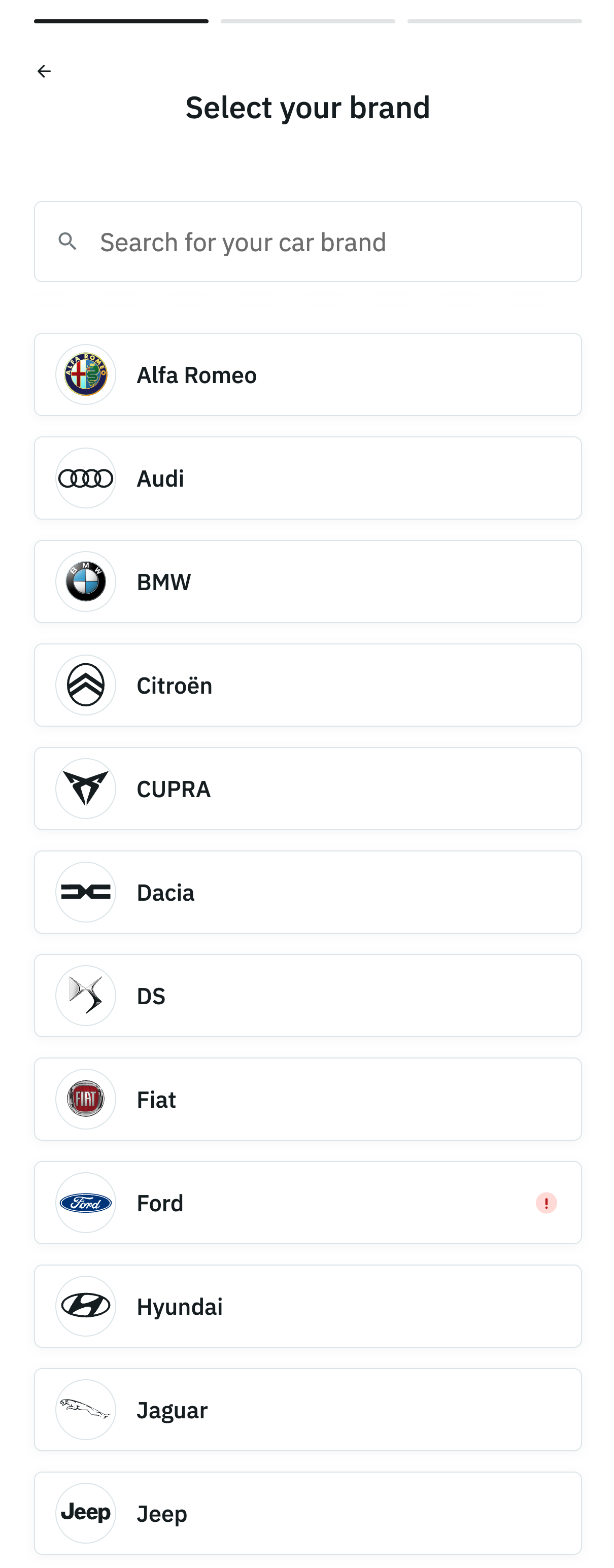
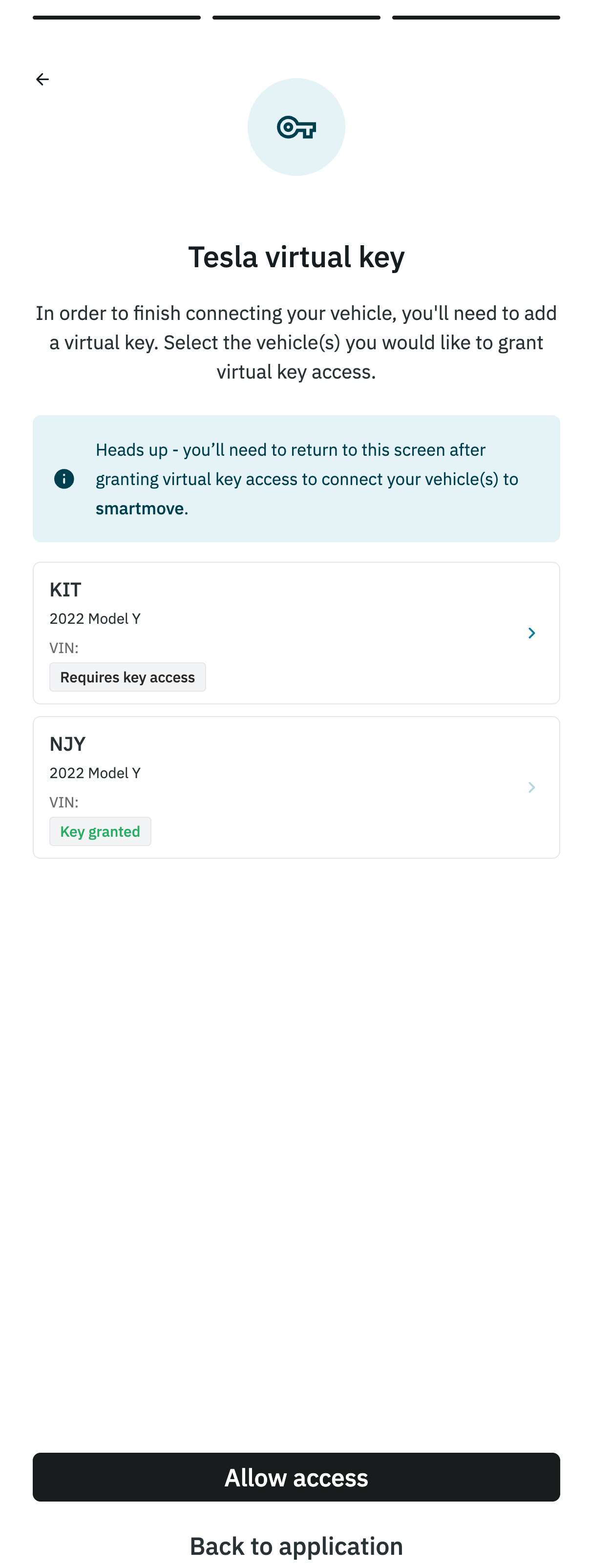
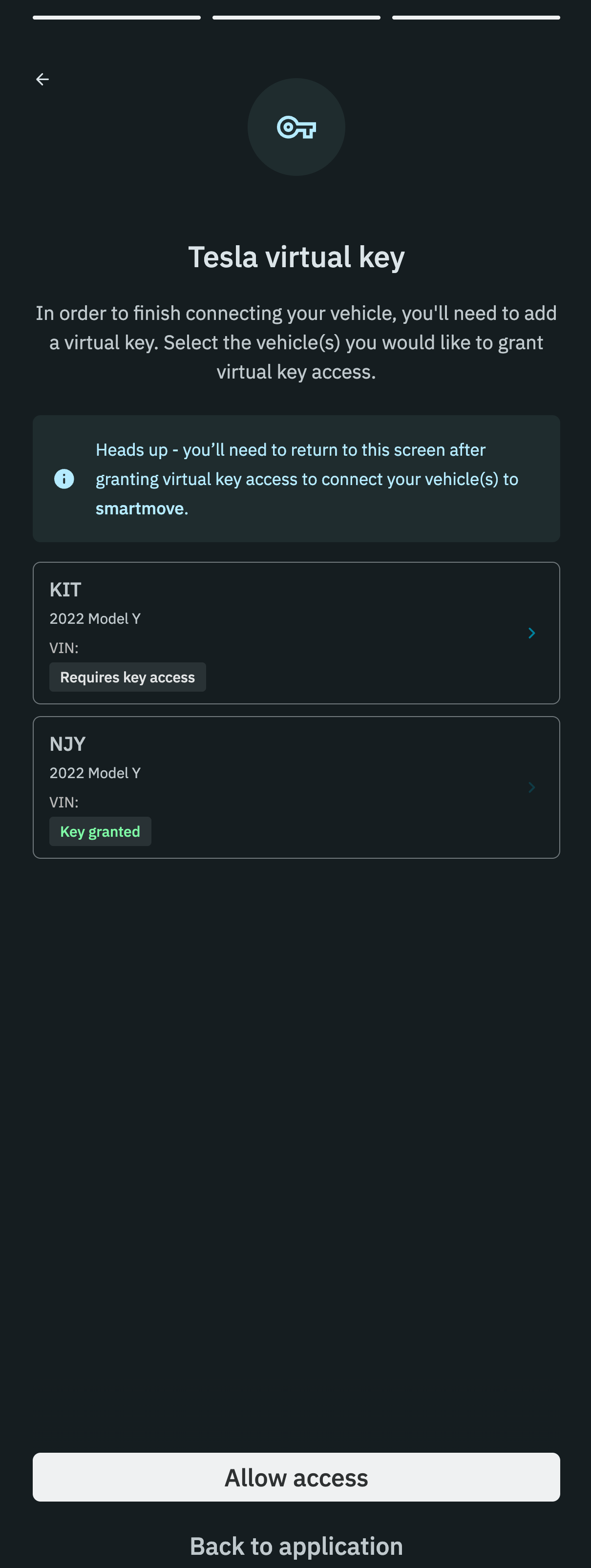
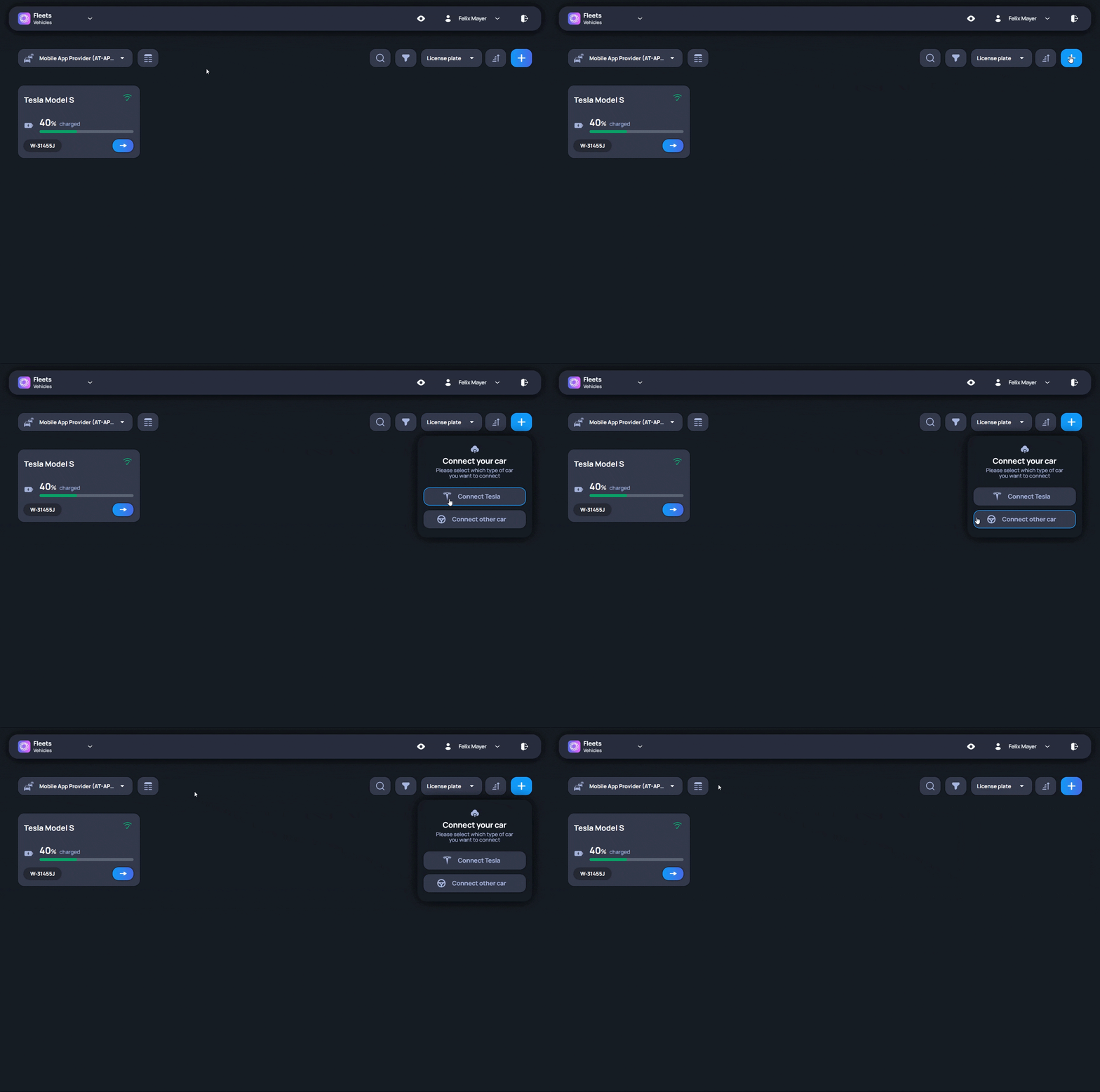
Import is the starting point for adding vehicles to Fleets. Before a vehicle appears in the platform, it must be connected through a supported data broker. Depending on the fleet setup, this may be Tesla, Smartcar, or another broker. The import process guides the user through the required steps. Vehicle records do not have to be created completely by hand, which is especially useful when several vehicles are added at the same time. After the import is complete, the vehicle appears in Fleets. From there, the vehicle record becomes the place where users continue working with that vehicle, for example by reviewing details, adding documents, assigning drivers, or using it in other fleet processes.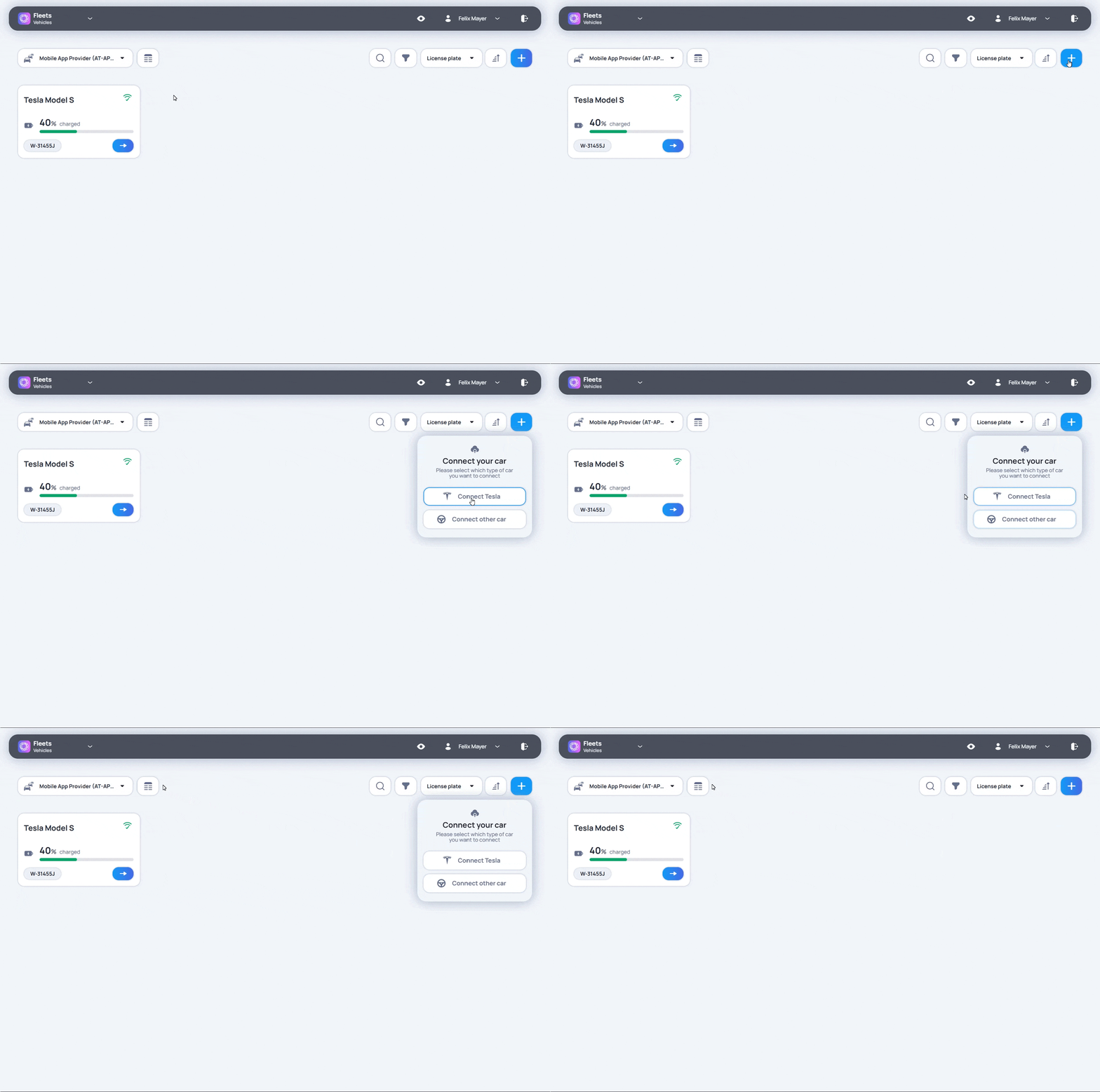
If any issues arise while importing a vehicle, contact us at support@smartmove.eu and we will provide an alternative solution tailored to your needs.Selecting certain options (e.g. collecting location data) displays a warning message on each vehicle to inform the driver.
If you do not wish to track the location of your vehicles, feel free to contact us in this case as well and we will take care of it for you.
- Tesla
- Other brands
 Tesla
Tesla Other brands
The Tesla platform only supports connecting tesla vehicles to third-party platforms.
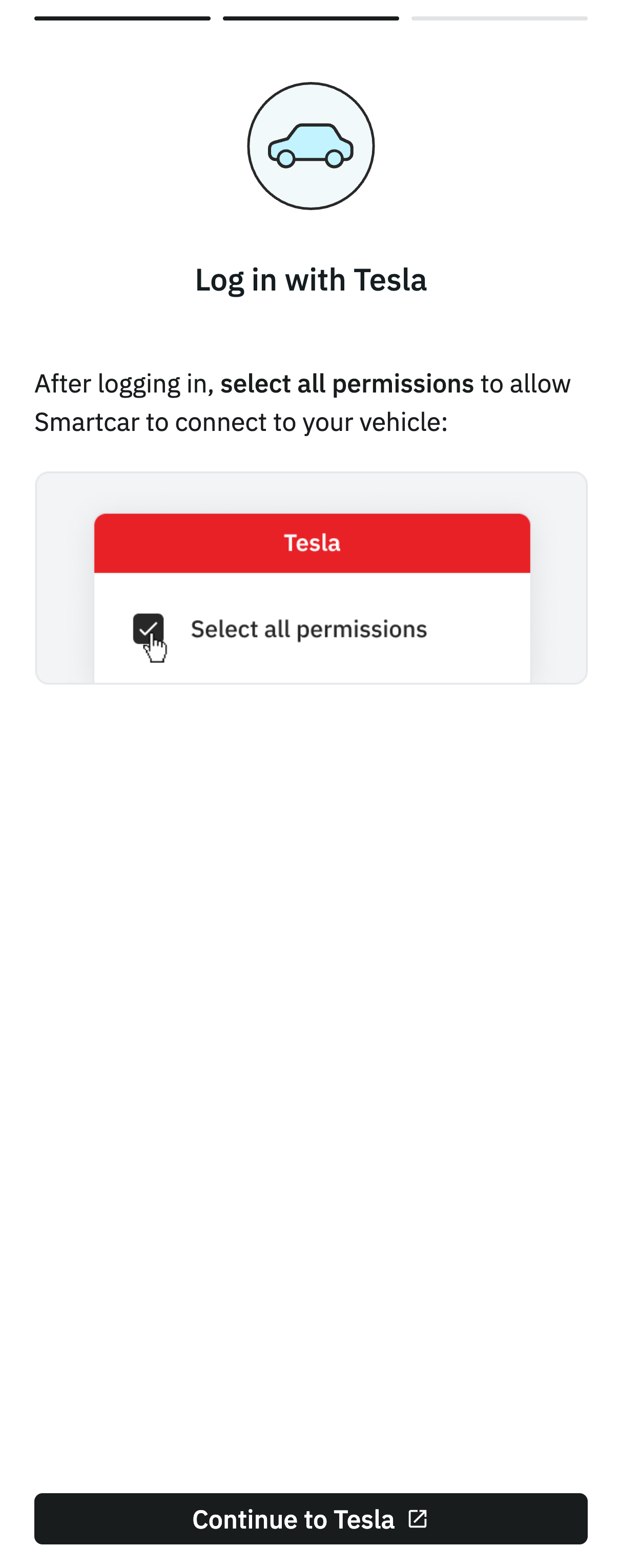
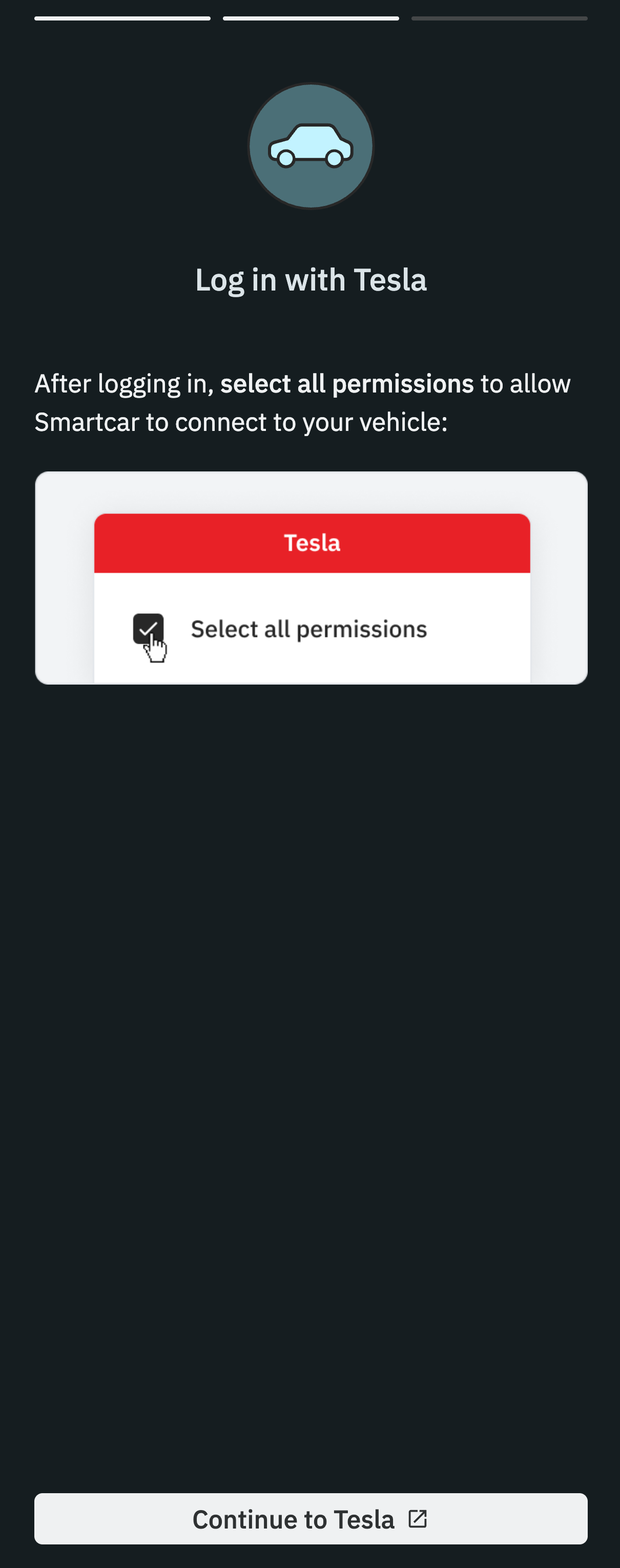
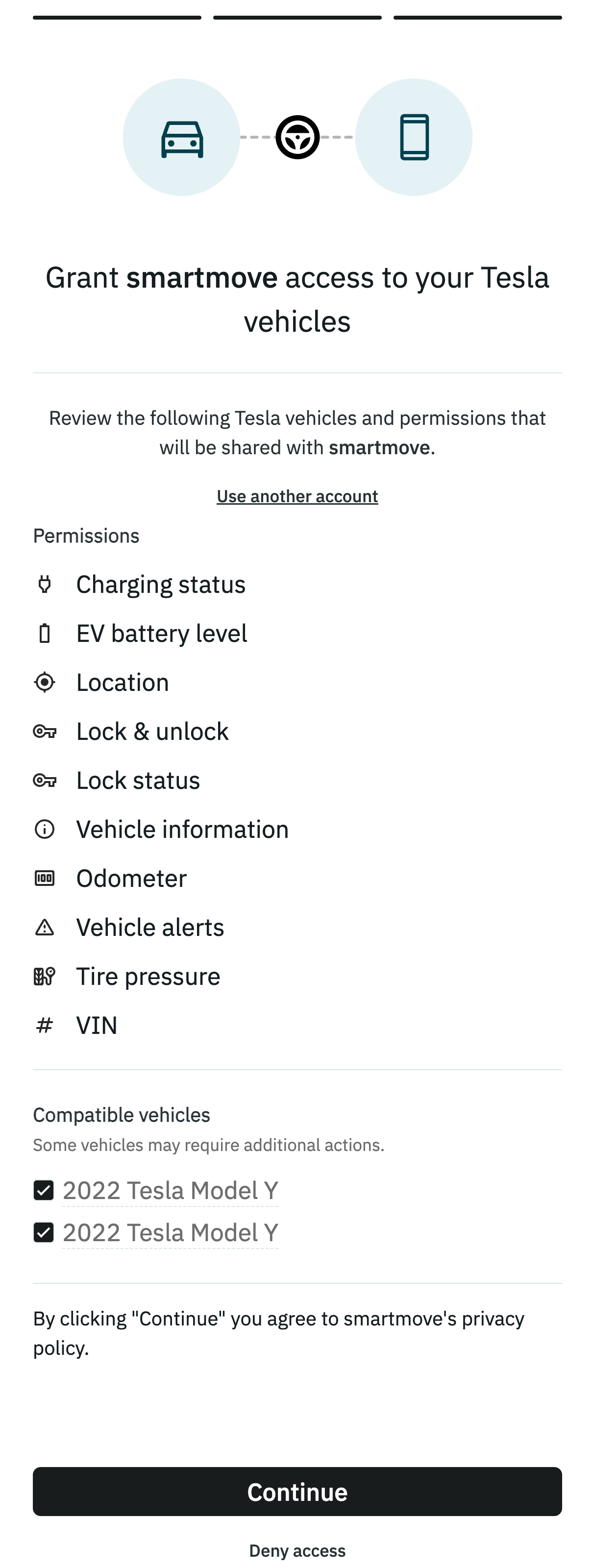
After logging in, it can be set what information will be shared for all vehicles under the account. These settings can be configured only once.
If the imported vehicle does not appear in the fleet list, refreshing the page should do the trick.
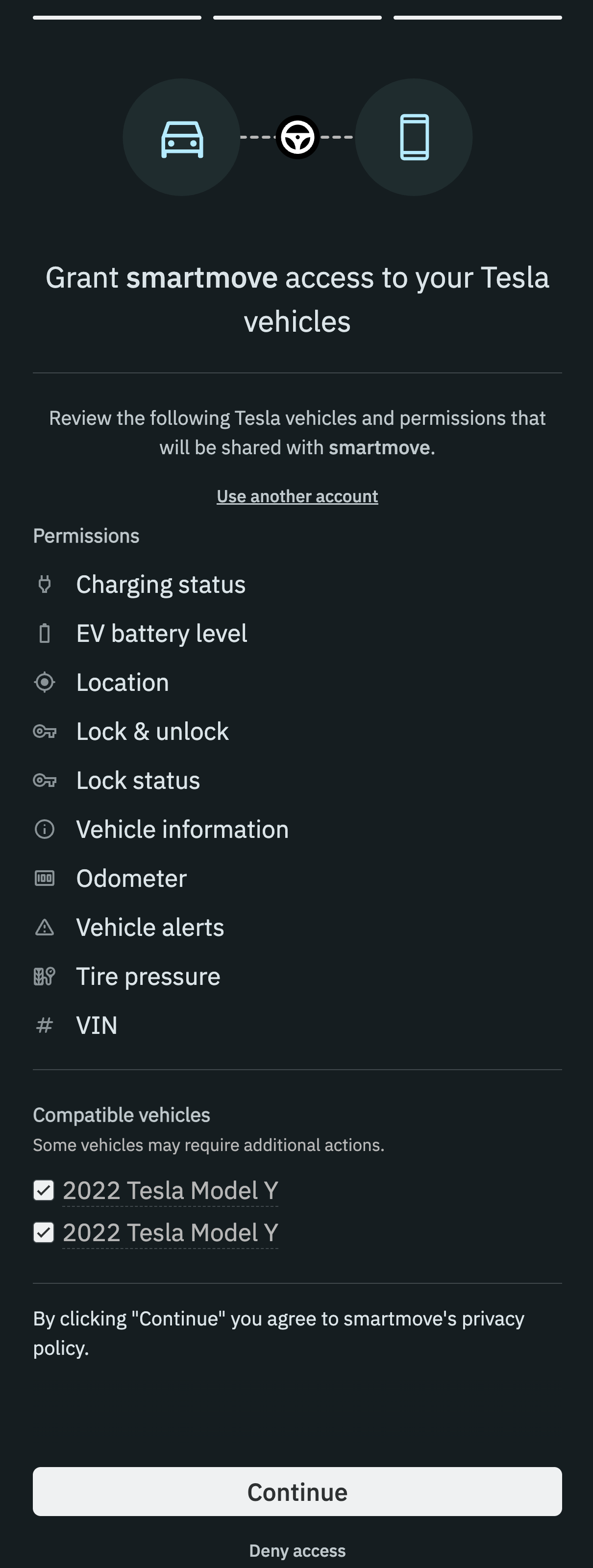
After logging in, it can be set what information will be shared for all vehicles under the account. These settings can be configured only once.
If the imported vehicle does not appear in the fleet list, refreshing the page should do the trick.