
Vehicle Management
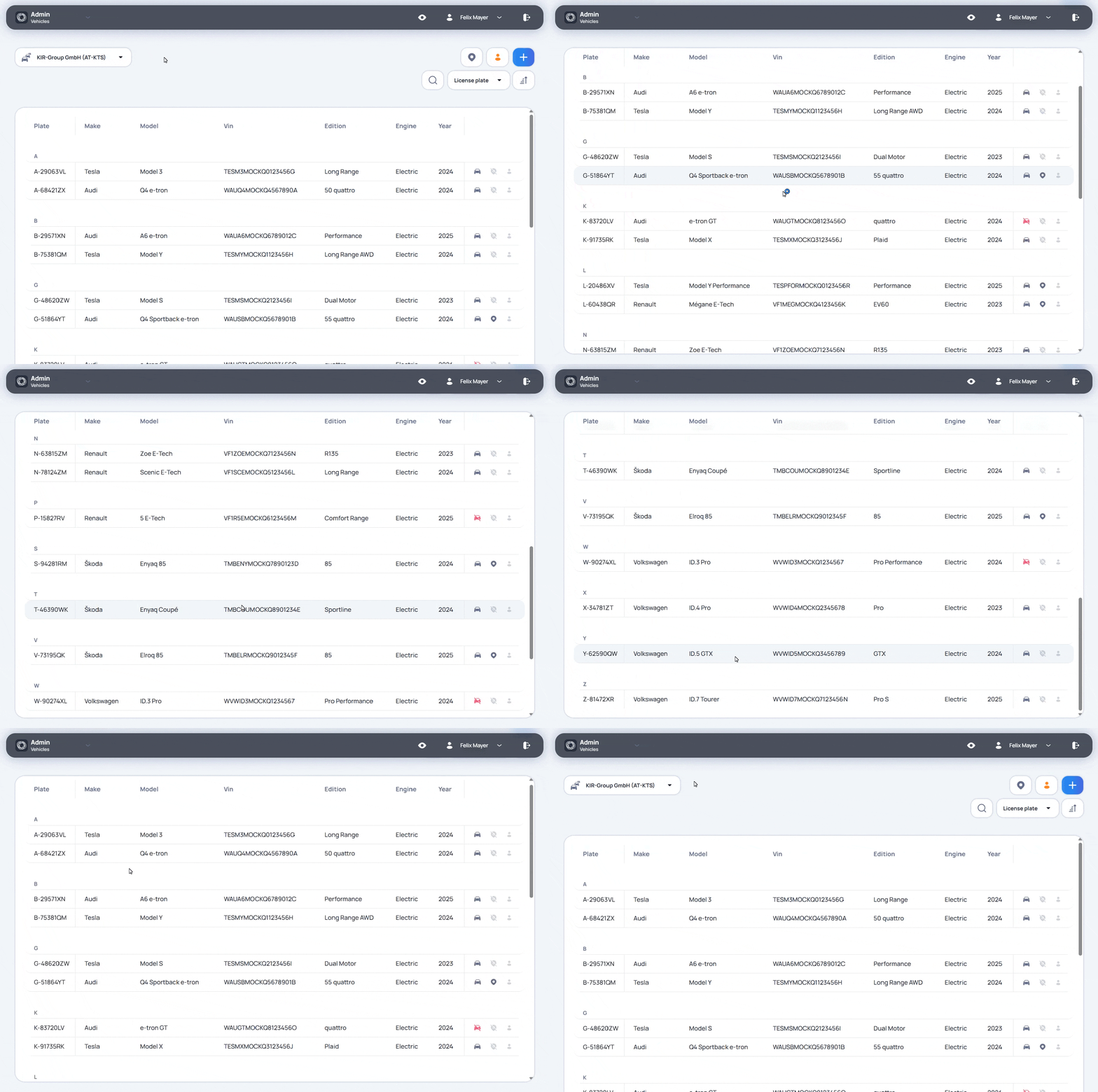
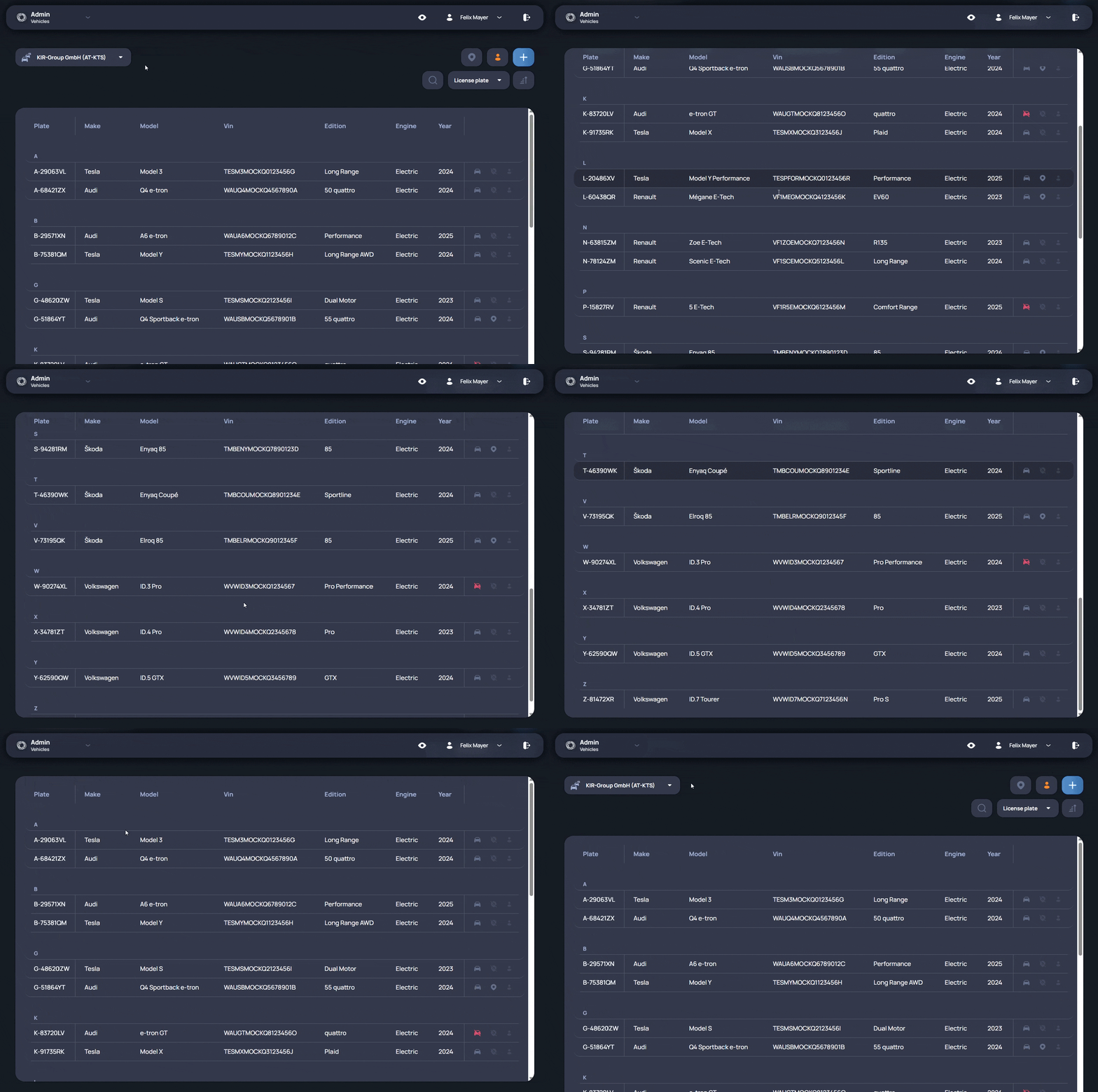
Vehicle Management is used to maintain vehicle data in the Admin Panel. It supports users who need to keep the fleet structure aligned with the vehicles that are actually used in smartmove. Users can start from the vehicle list and find the vehicle that needs to be checked or updated. The vehicle record keeps the basic data needed to identify the vehicle and understand its current setup. This includes whether the vehicle is active in the platform and which smartmove services are available for it. The vehicle setup can be adjusted when the fleet changes. Users can activate or deactivate a vehicle, update the way it is used in smartmove, and keep the vehicle data aligned with the current operational situation. This helps prevent outdated or inactive vehicles from being used in daily workflows. Vehicle Management also supports vehicle categories. Categories allow users to group vehicles in a way that matches their own fleet structure. This can be useful when vehicles need to be organized by internal rules, operational purpose, location, vehicle type, or another structure used by the fleet operator. By keeping vehicle data and categories in one administrative area, users can manage the fleet structure more consistently. It becomes easier to find the right vehicle, understand how it is currently configured, and keep the vehicle base prepared for daily use in smartmove.