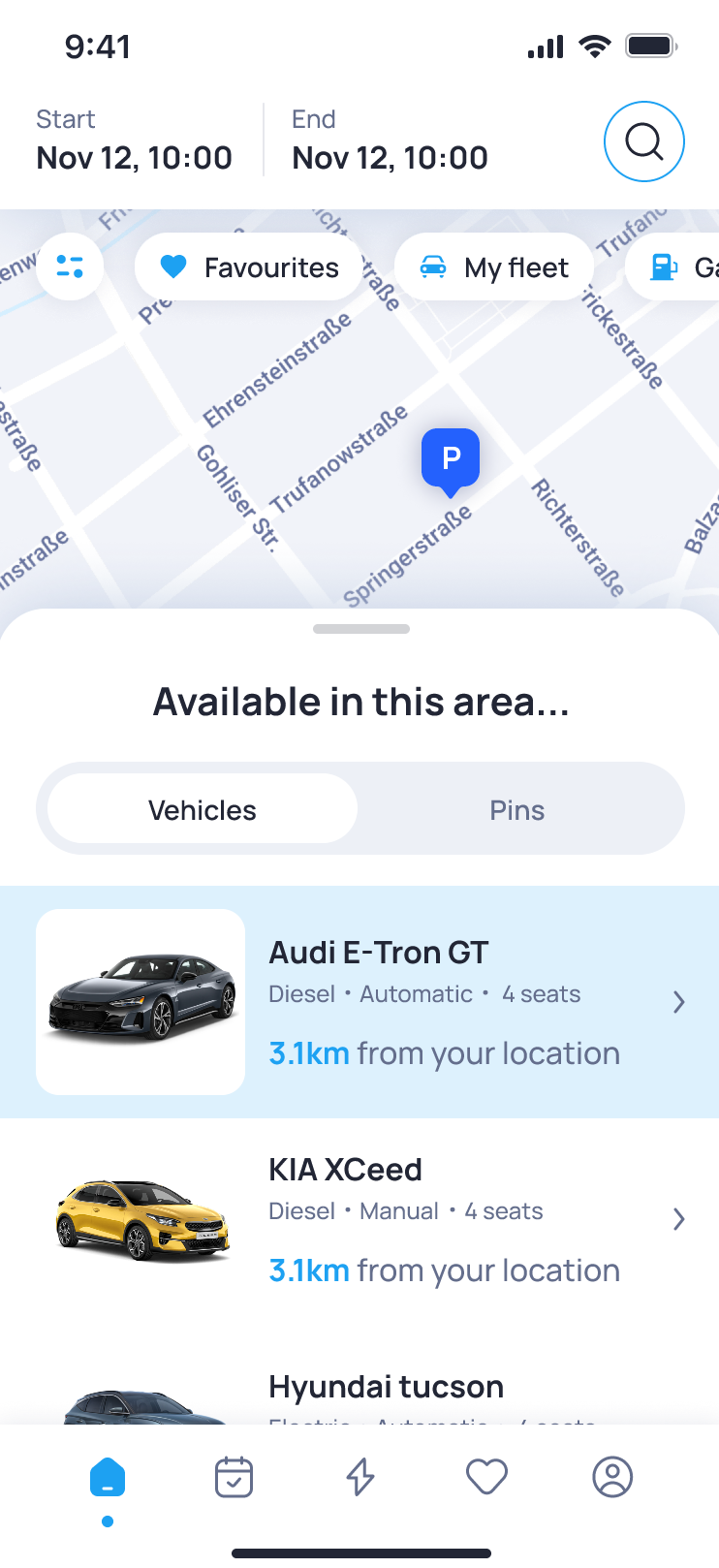

Available Vehicles
Available Vehicles shows shared vehicles that can currently be booked in the selected area. The vehicles are ordered by distance, so users can start with the nearest available options. From the list, users can open a vehicle to check its details and continue directly to the booking process. This keeps the selection and booking steps connected in one flow. The vehicle details help users understand whether the vehicle fits the planned trip. Before booking, users can check what type of vehicle is available, whether it has enough seats for the trip, which transmission and fuel type it uses, and how far away it is from their current location. For the user, Available Vehicles makes it easier to find a suitable vehicle nearby and start the booking with the right context.