What is Fleets?
Fleets is the all-in-one platform that makes managing your entire vehicle fleet effortless. Save time, avoid paperwork, and let automation handle the heavy lifting: upload your documents and Fleets fills in the details automatically. You stay in control with the flexibility to make manual edits whenever you need. Designed for efficiency, built for reliability — Fleets frees you from tedious admin so you can focus on what really matters: keeping your operation moving forward.Features
Importing vehicles is required before any of the features below can be used.Import
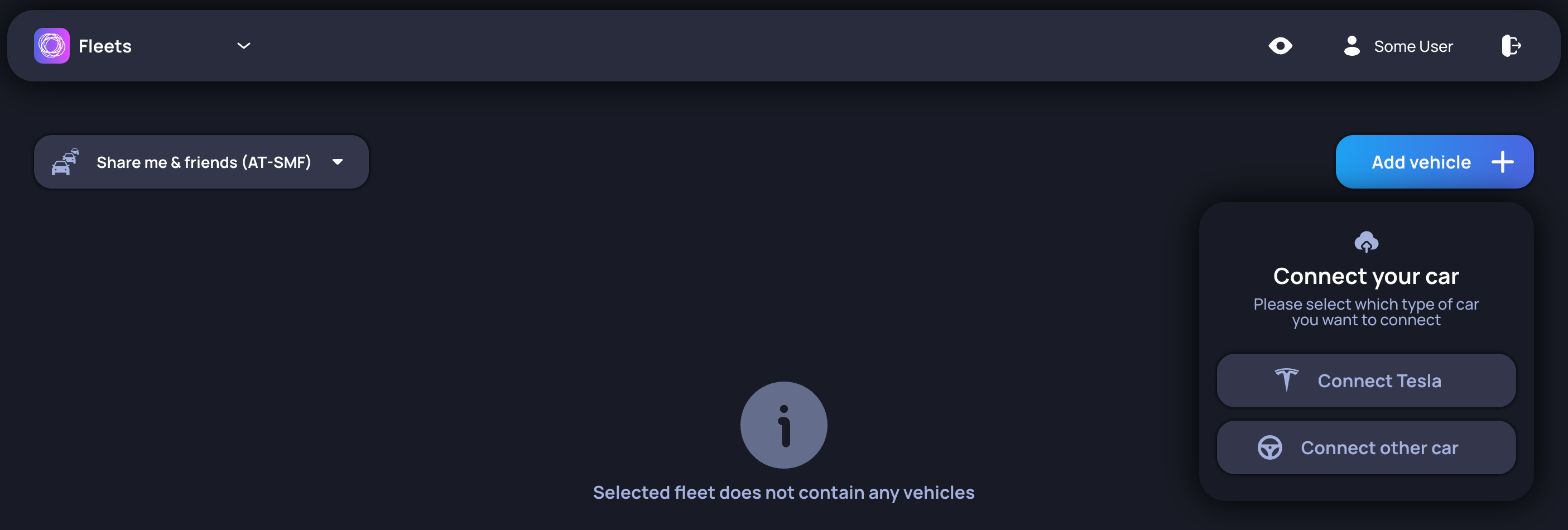
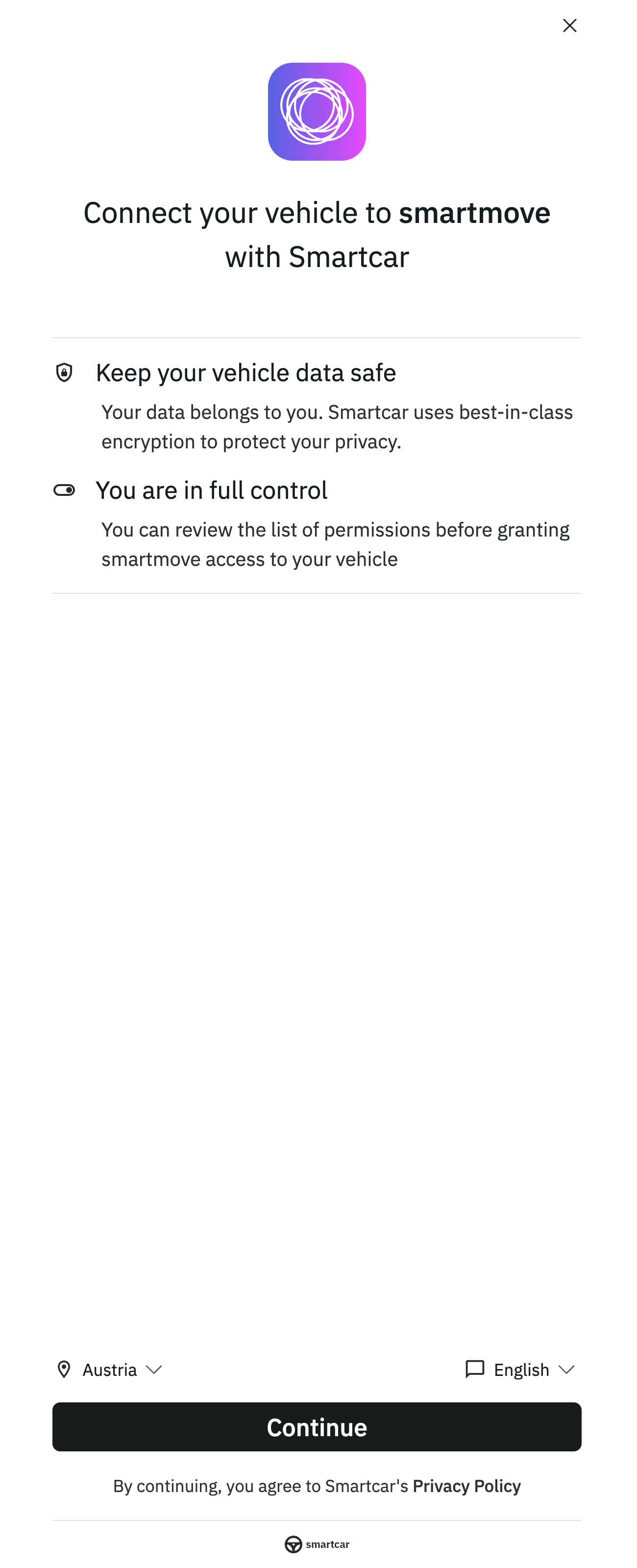
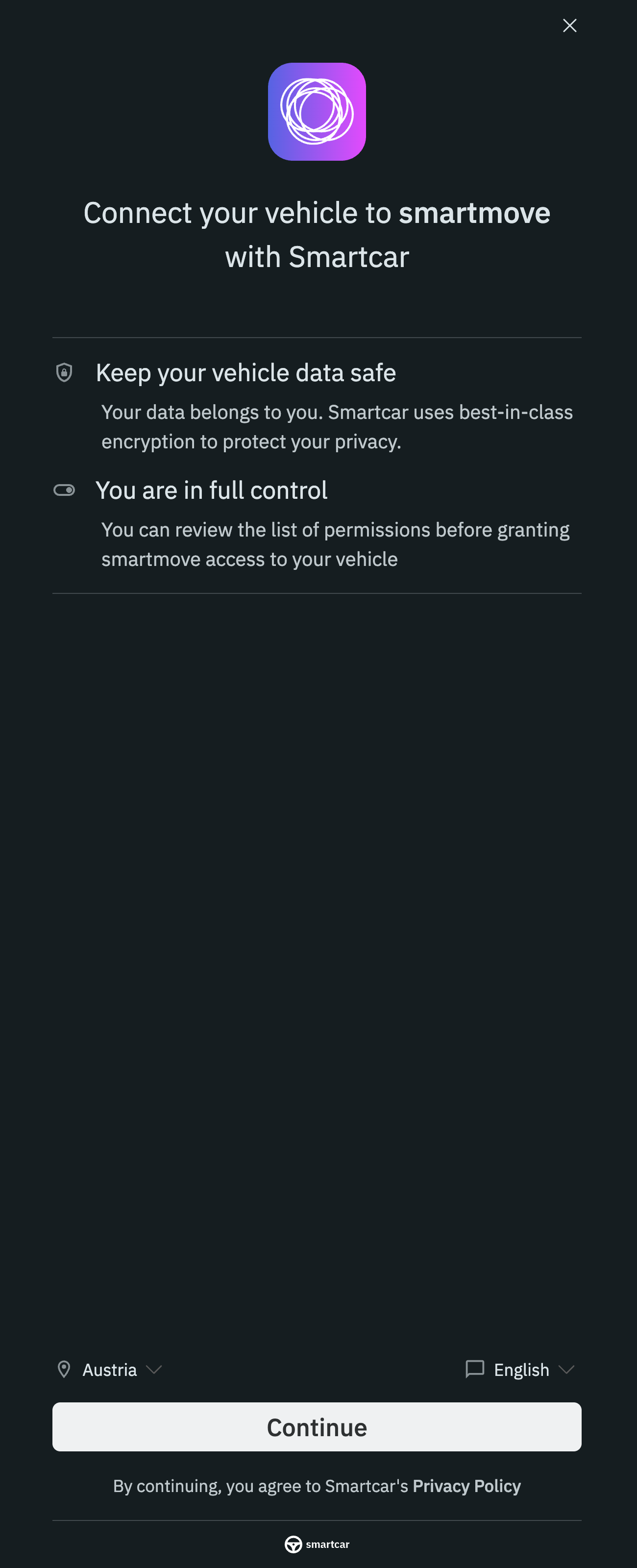
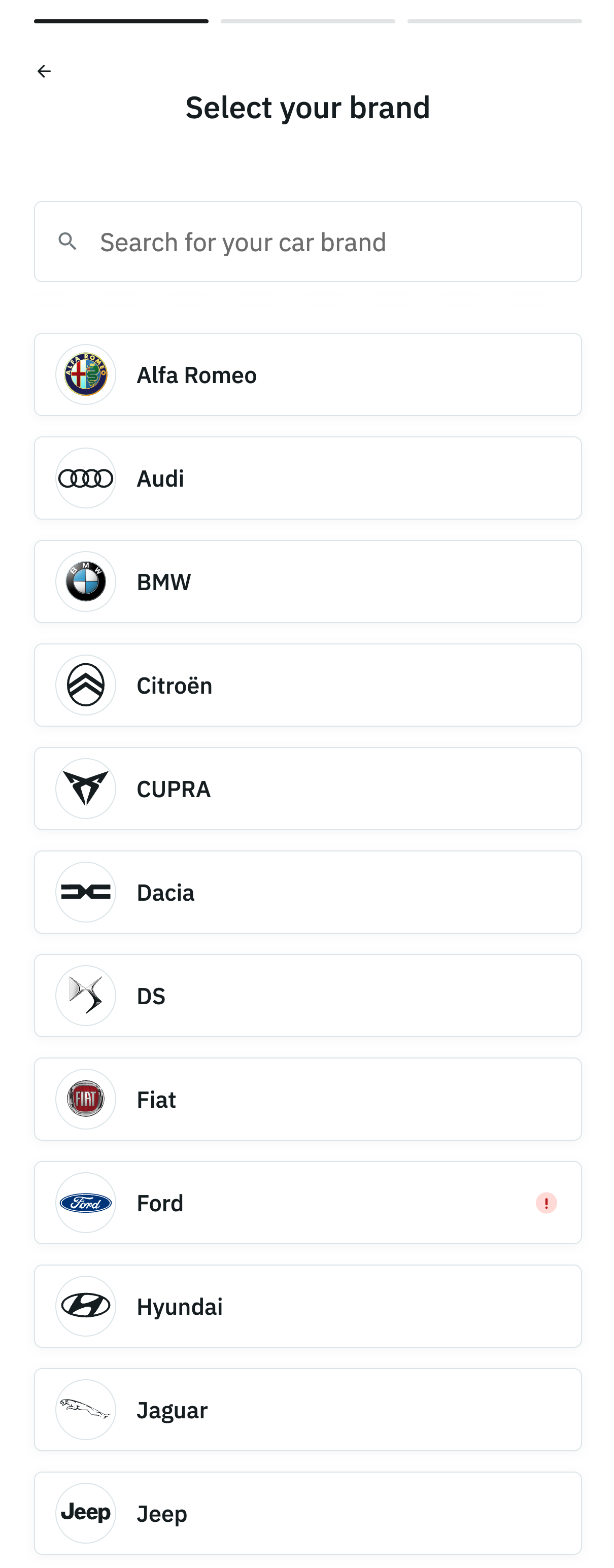
Firstly, once the preferred asset provider has been selected, clicking on the + icon reveals the option of connecting via Tesla or Smartcar.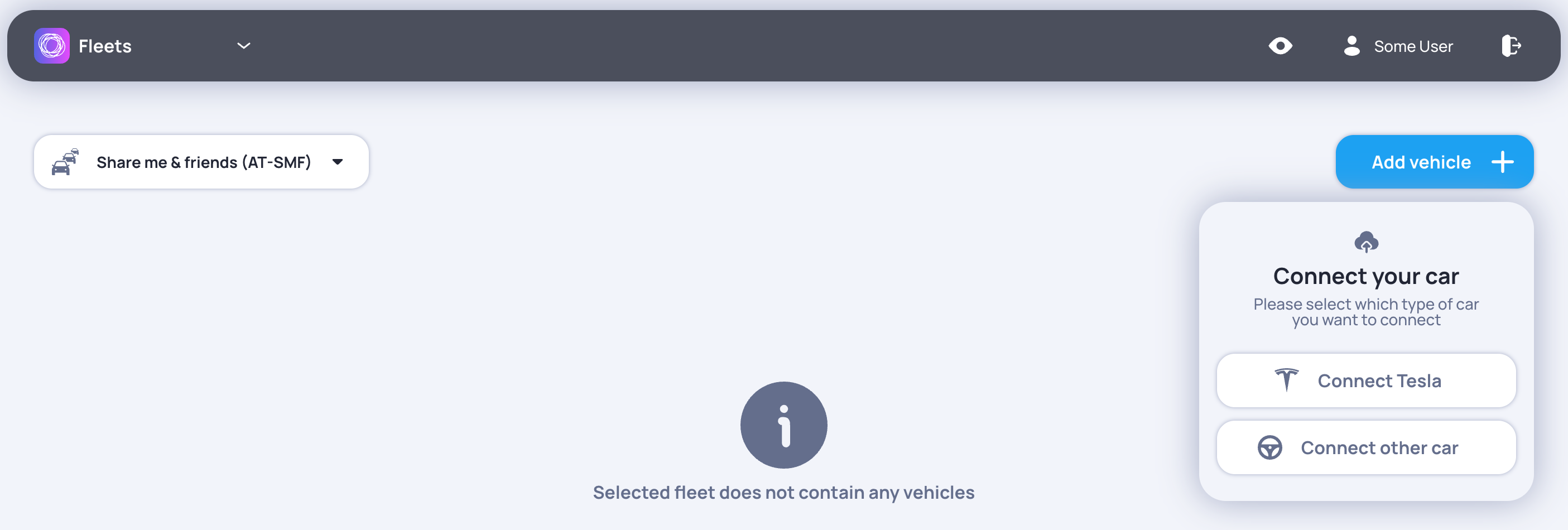
If any issues arise while importing a vehicle, contact us at support@smartmove.eu and we will provide an alternative solution tailored to your needs.Selecting certain options (e.g. collecting location data) displays a warning message on each vehicle to inform the driver.
If you do not wish to track the location of your vehicles, feel free to contact us in this case as well and we will take care of it for you.
 Tesla
Tesla Smartcar
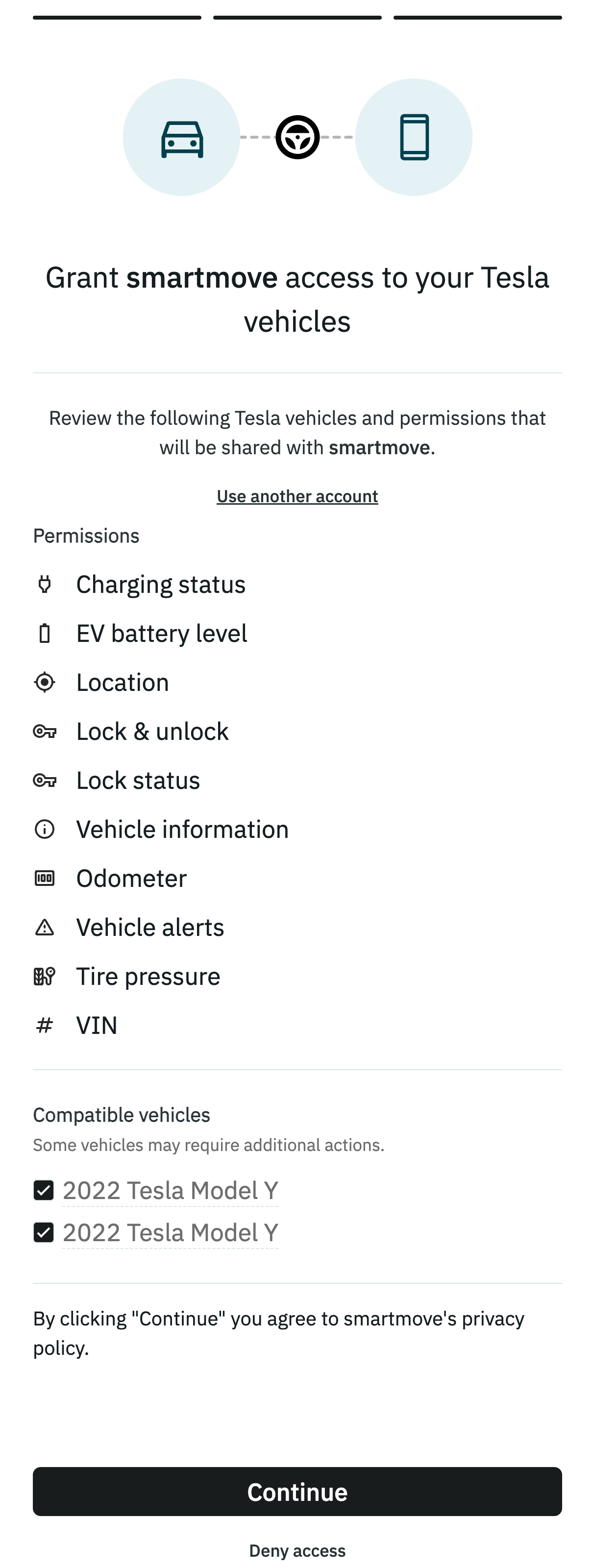
The Tesla platform only supports connecting tesla vehicles to third-party platforms.
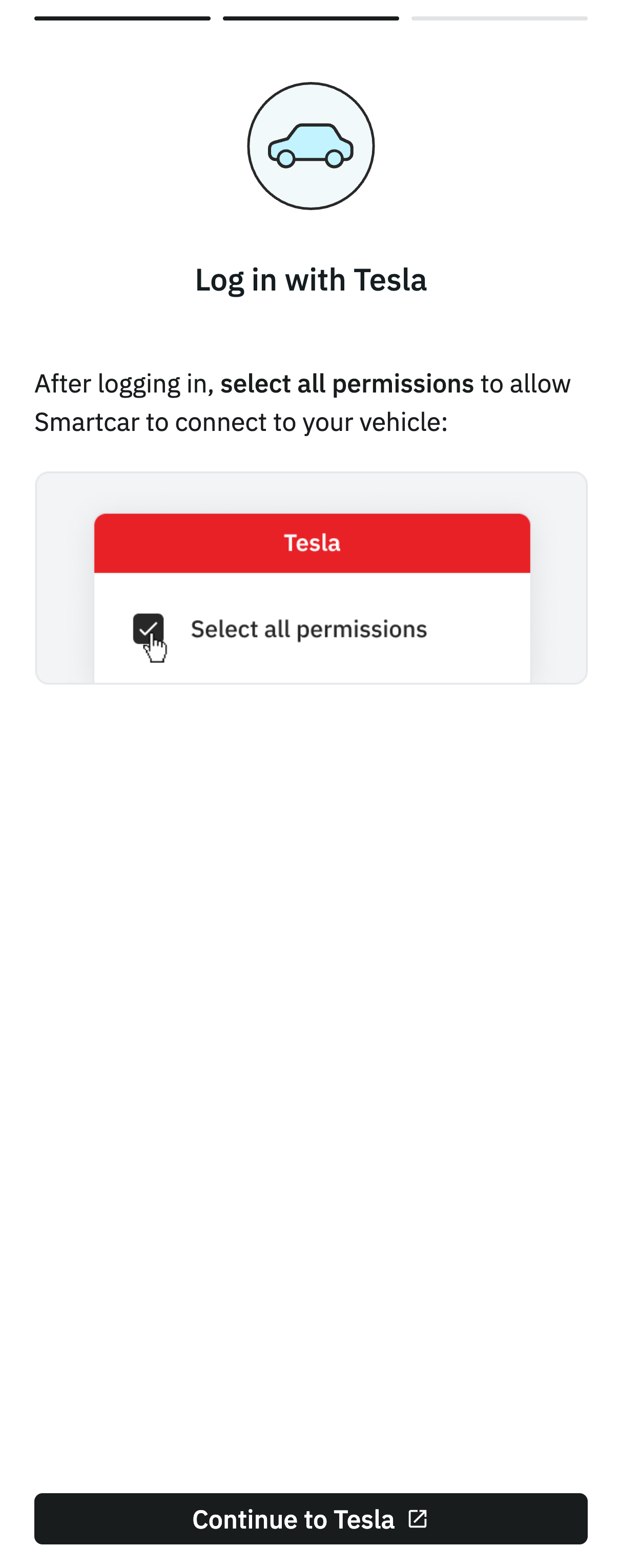
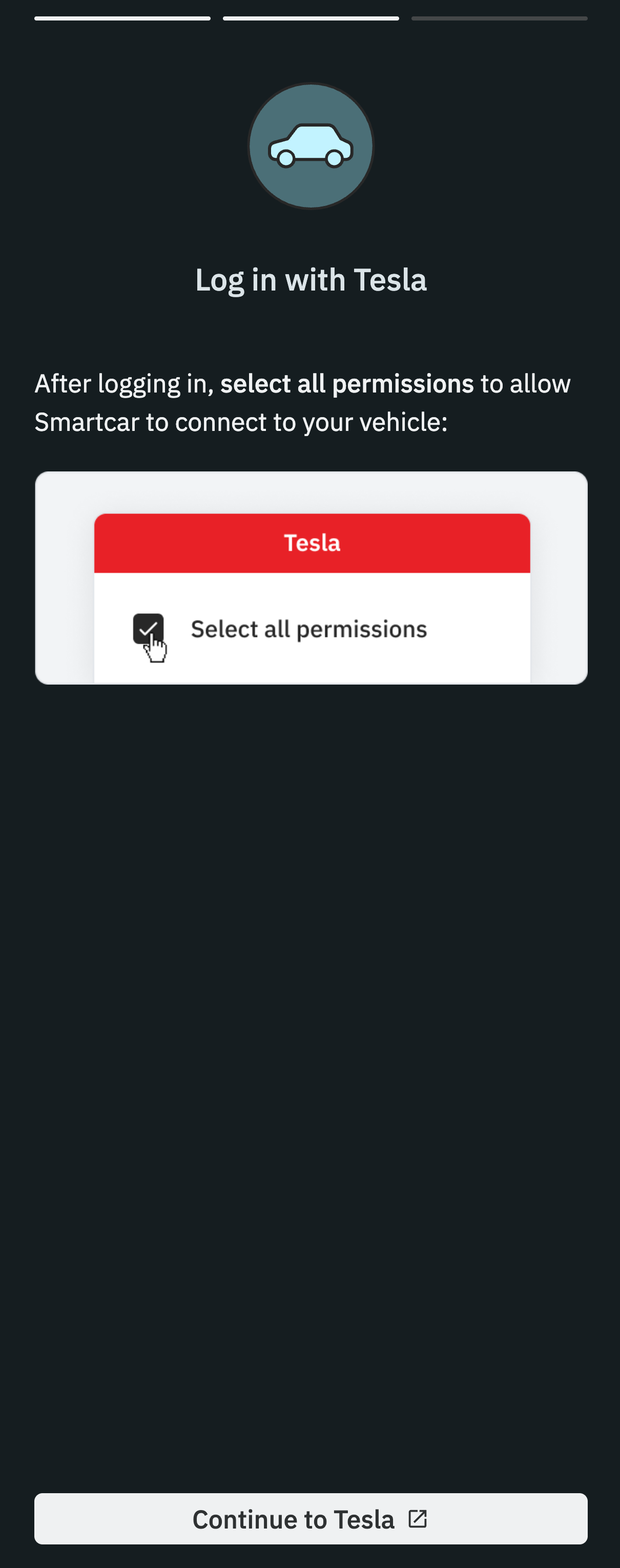
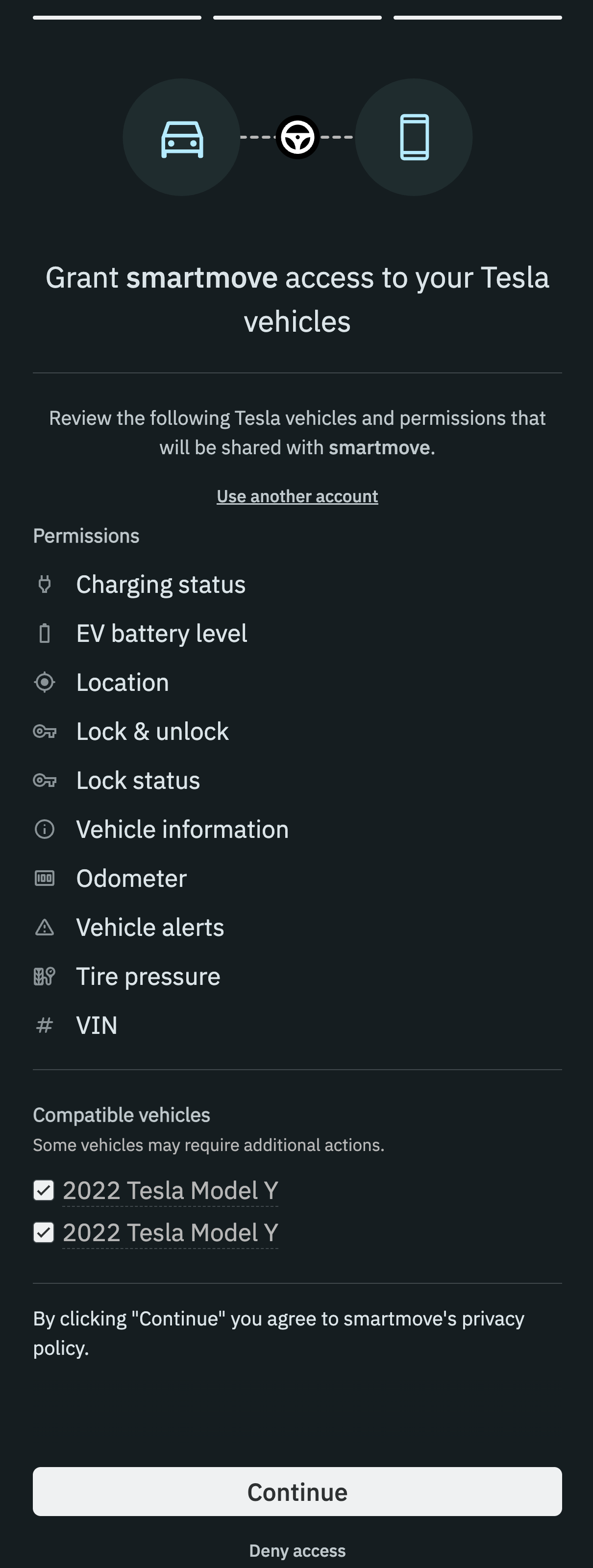
After logging in, it can be set what information will be shared for all vehicles under the account. These settings can be configured only once.
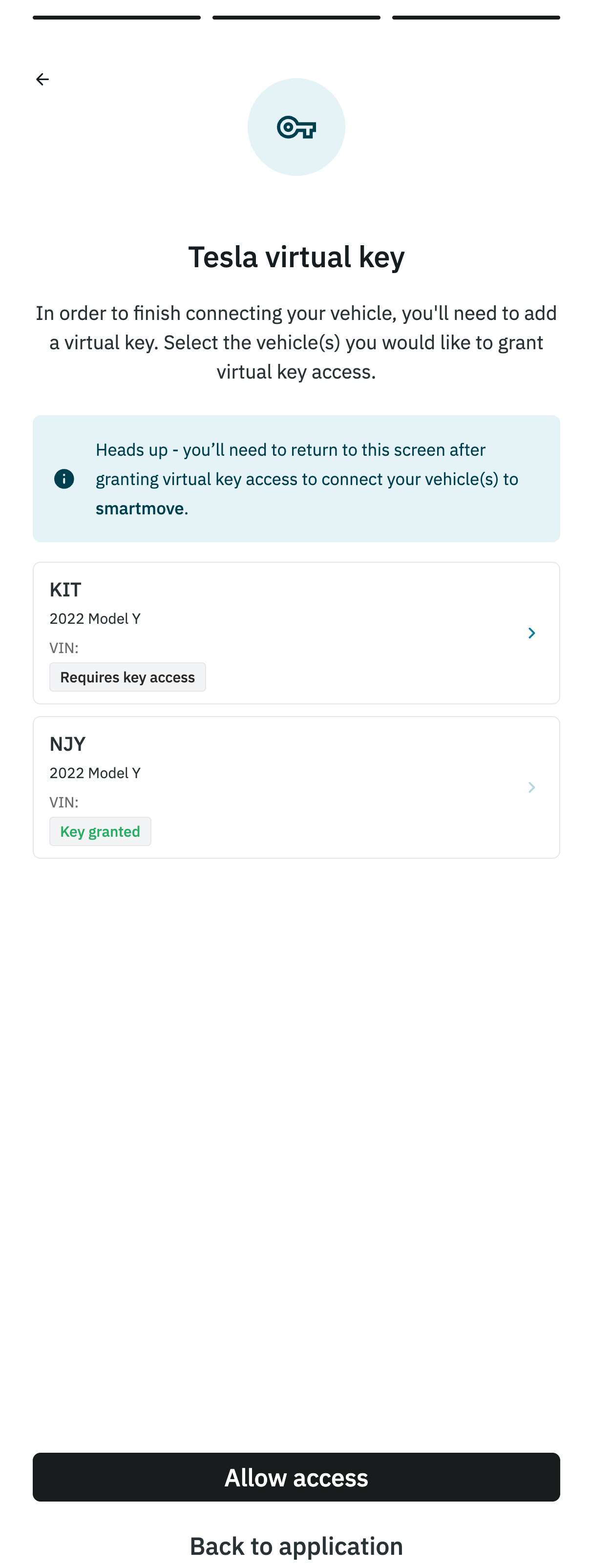
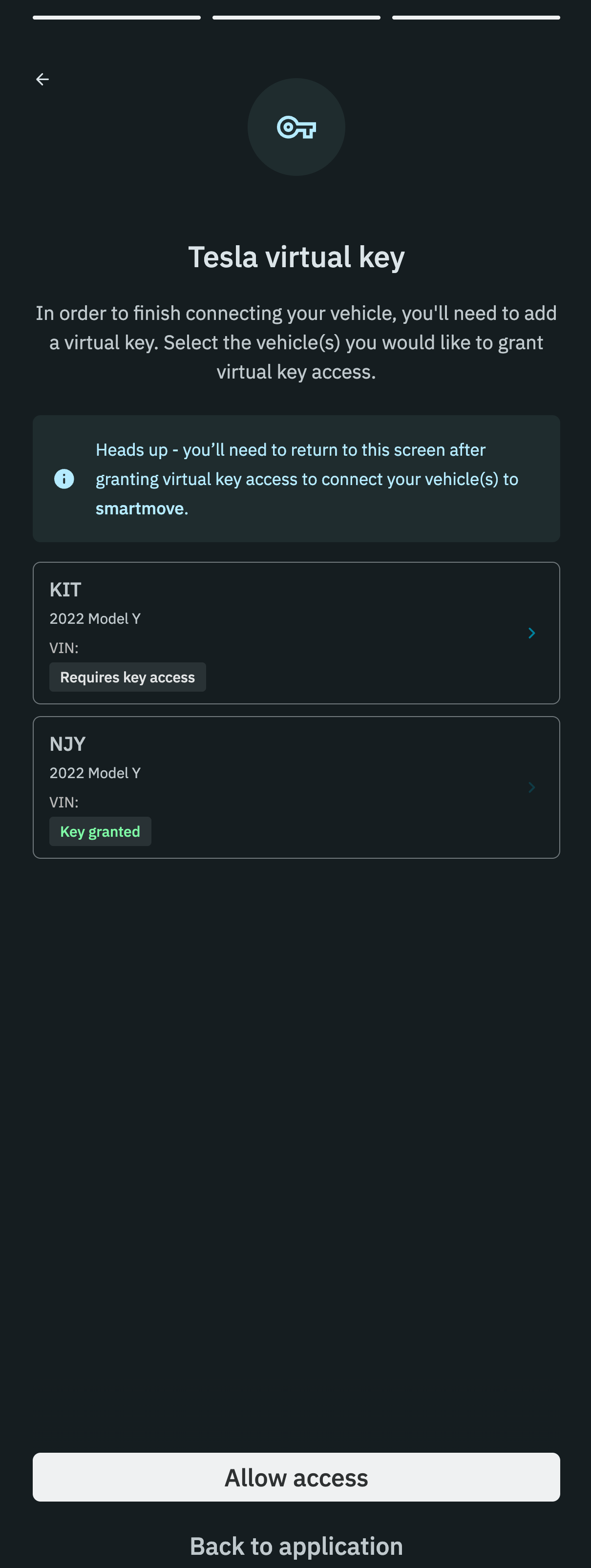
If the imported vehicle does not appear in the fleet list, refreshing the page should do the trick.
After logging in, it can be set what information will be shared for all vehicles under the account. These settings can be configured only once.
If the imported vehicle does not appear in the fleet list, refreshing the page should do the trick.

Dashboard
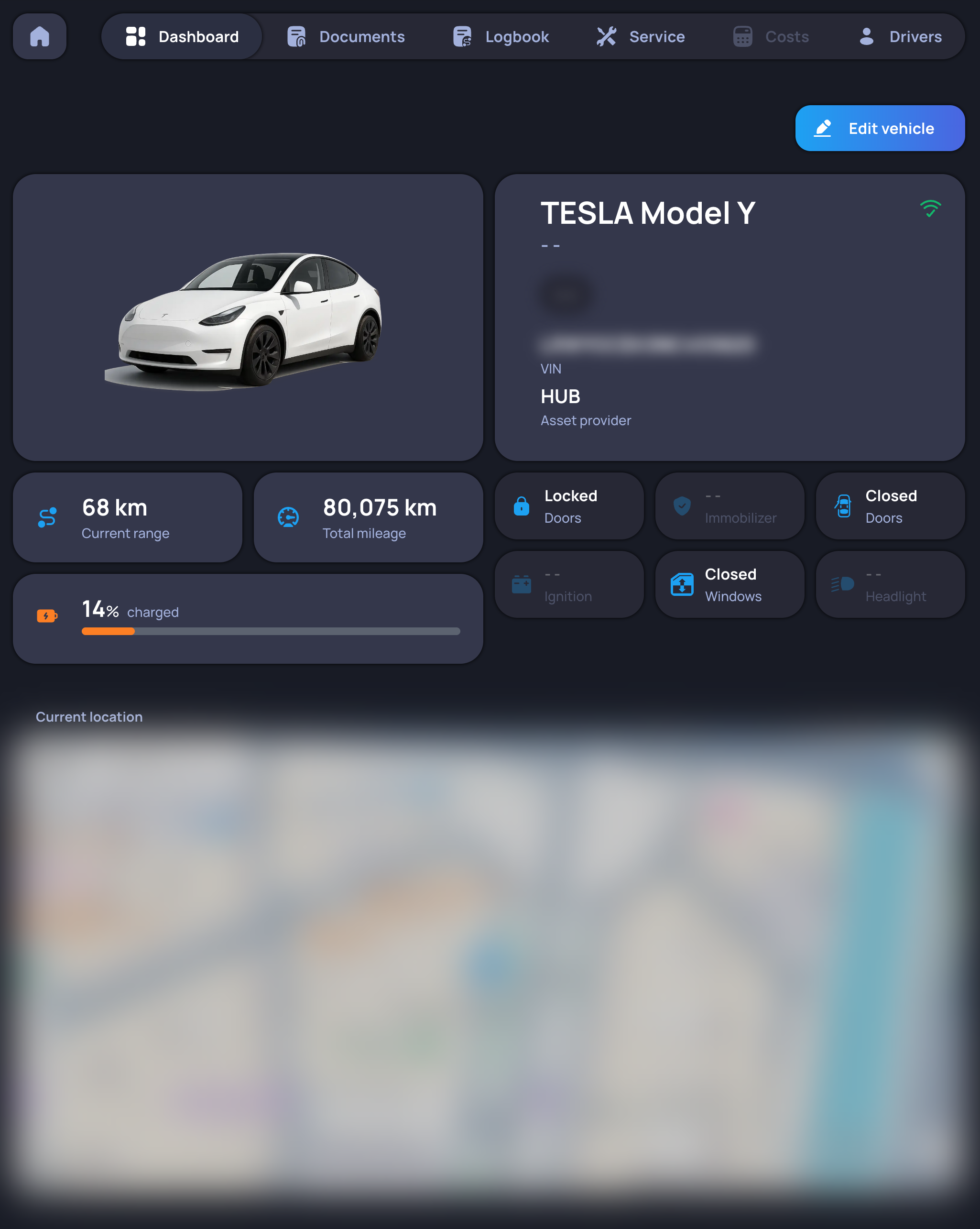
In the Dashboard tab the current state of the selected vehicle is visible. This includes the most important readable data: fuel gauge, current range, total mileage, location, and lock status.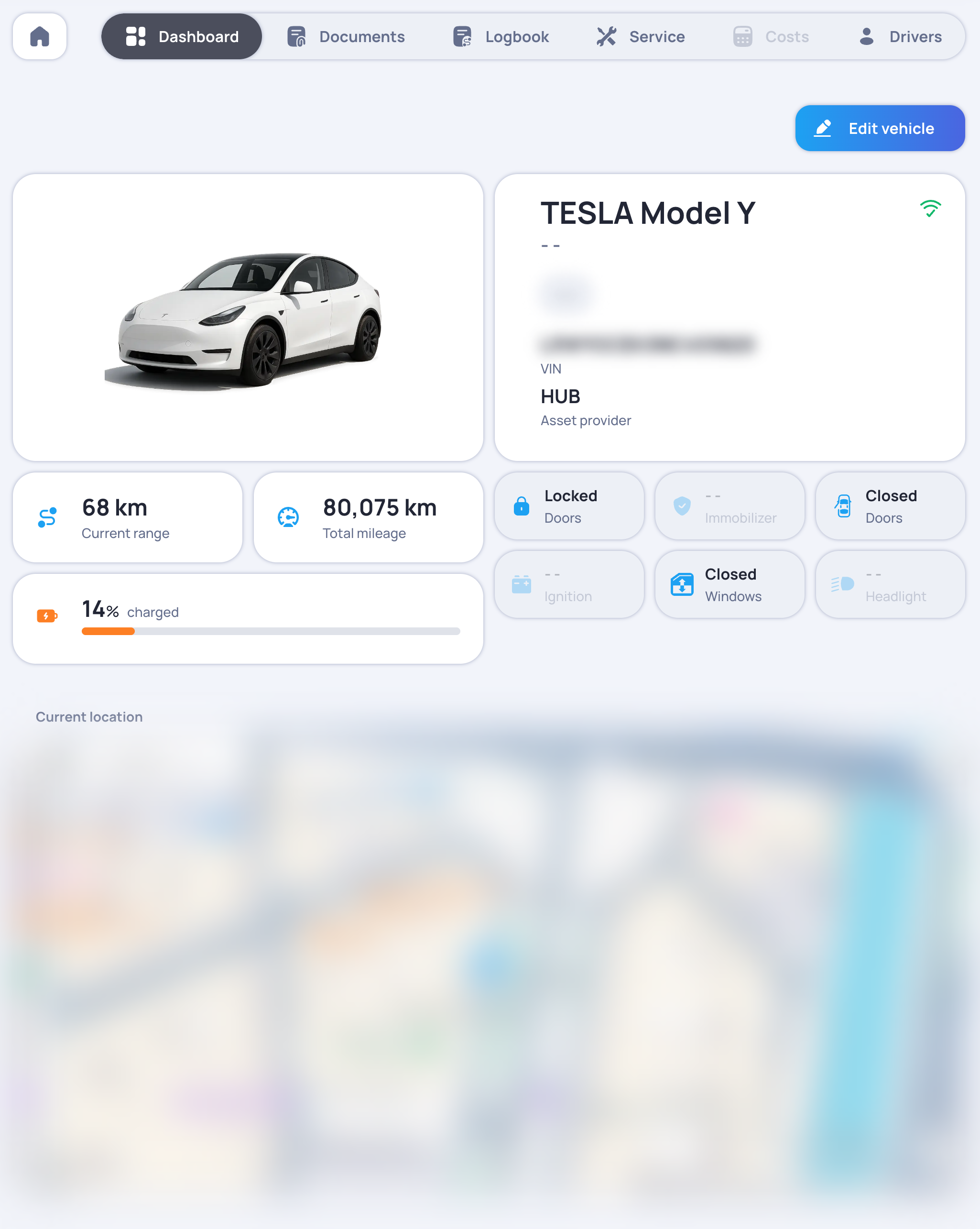
Documents
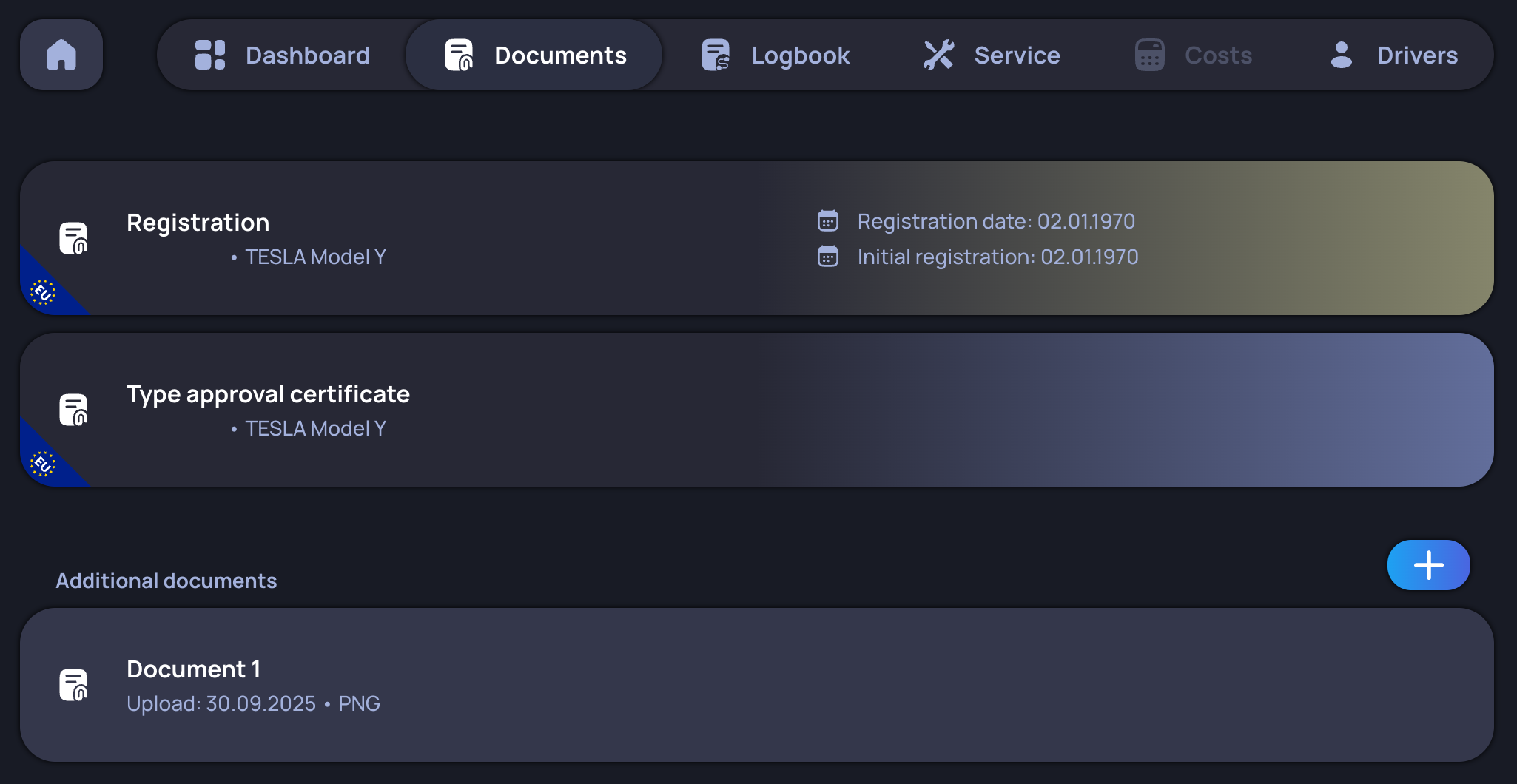
Uploading documents, which include registration certificates, approval certificates and additional ones, is supported.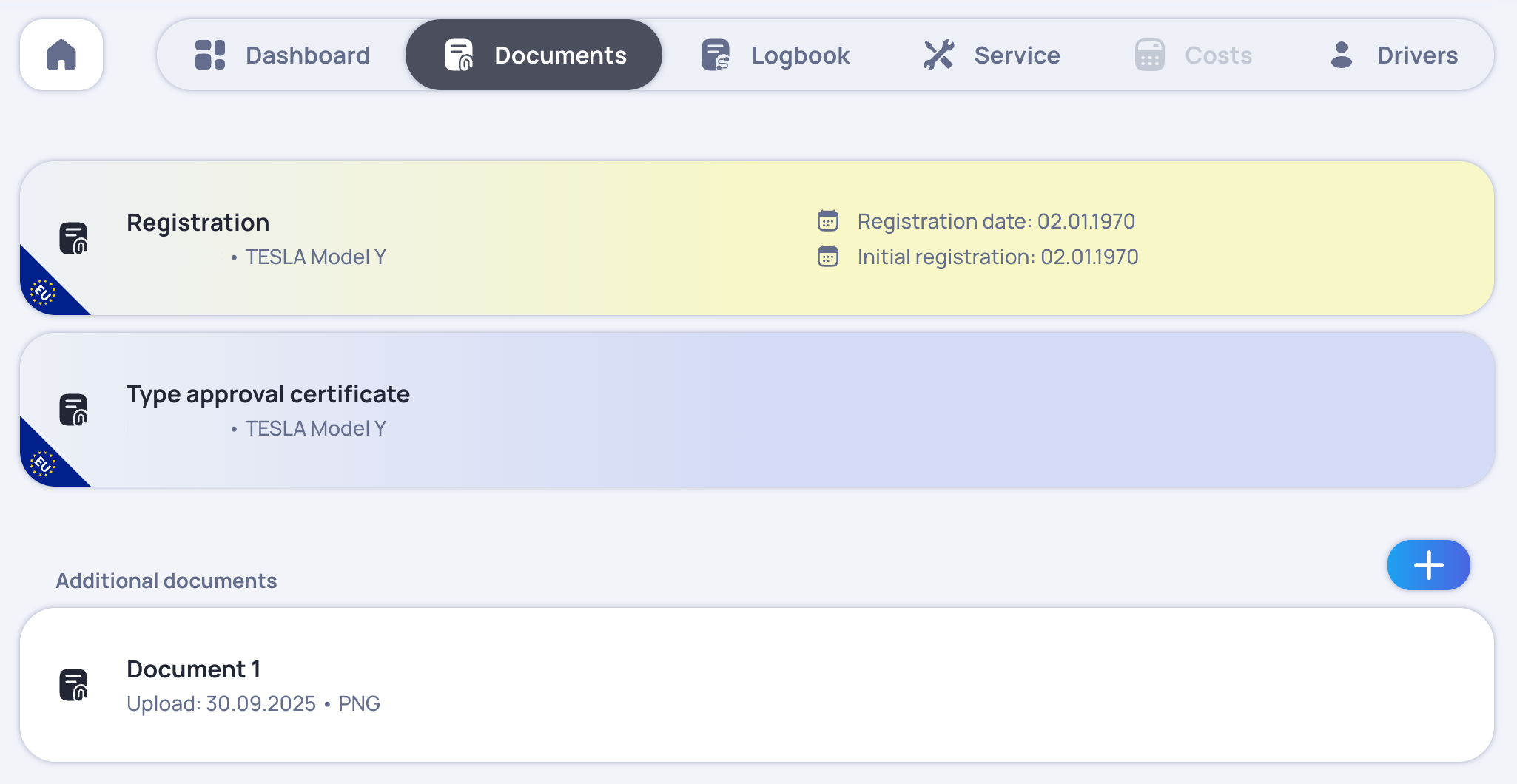
Logbook
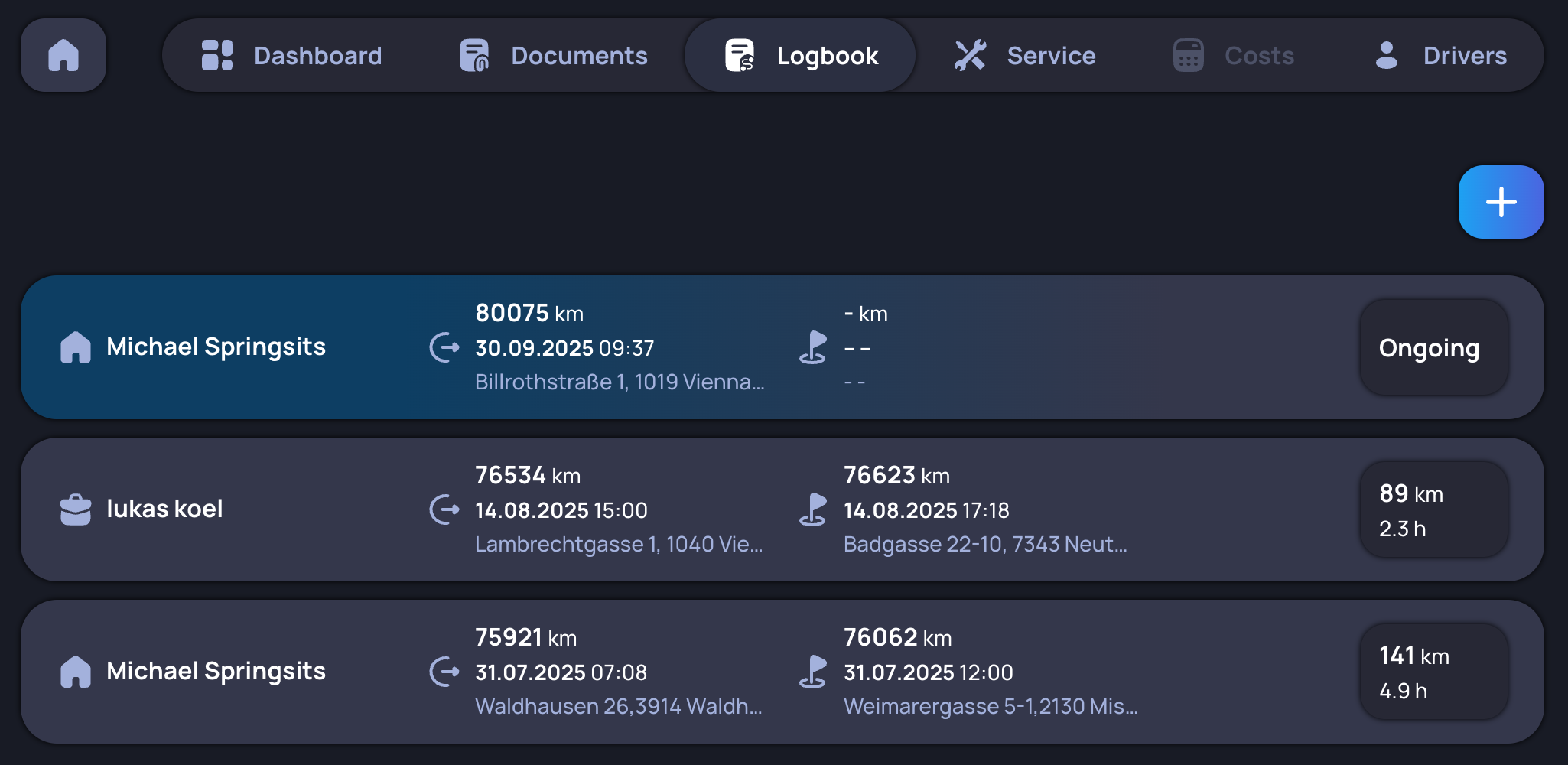
To ensure traceable administration of all vehicles, we offer a logbook. Each log entry includes information about the driver and both the time and location of the start and end of each trip for every vehicle.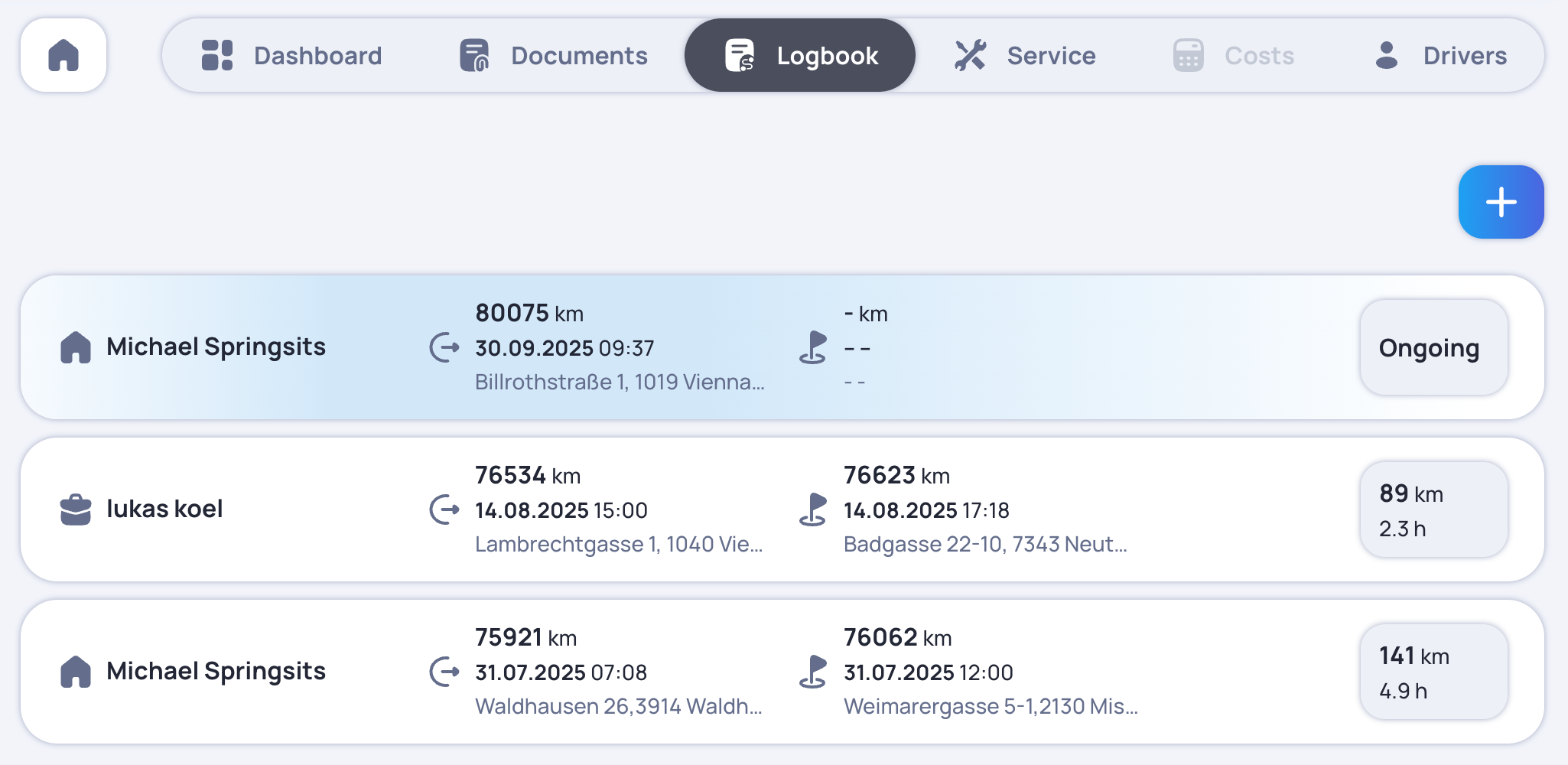
Checklist
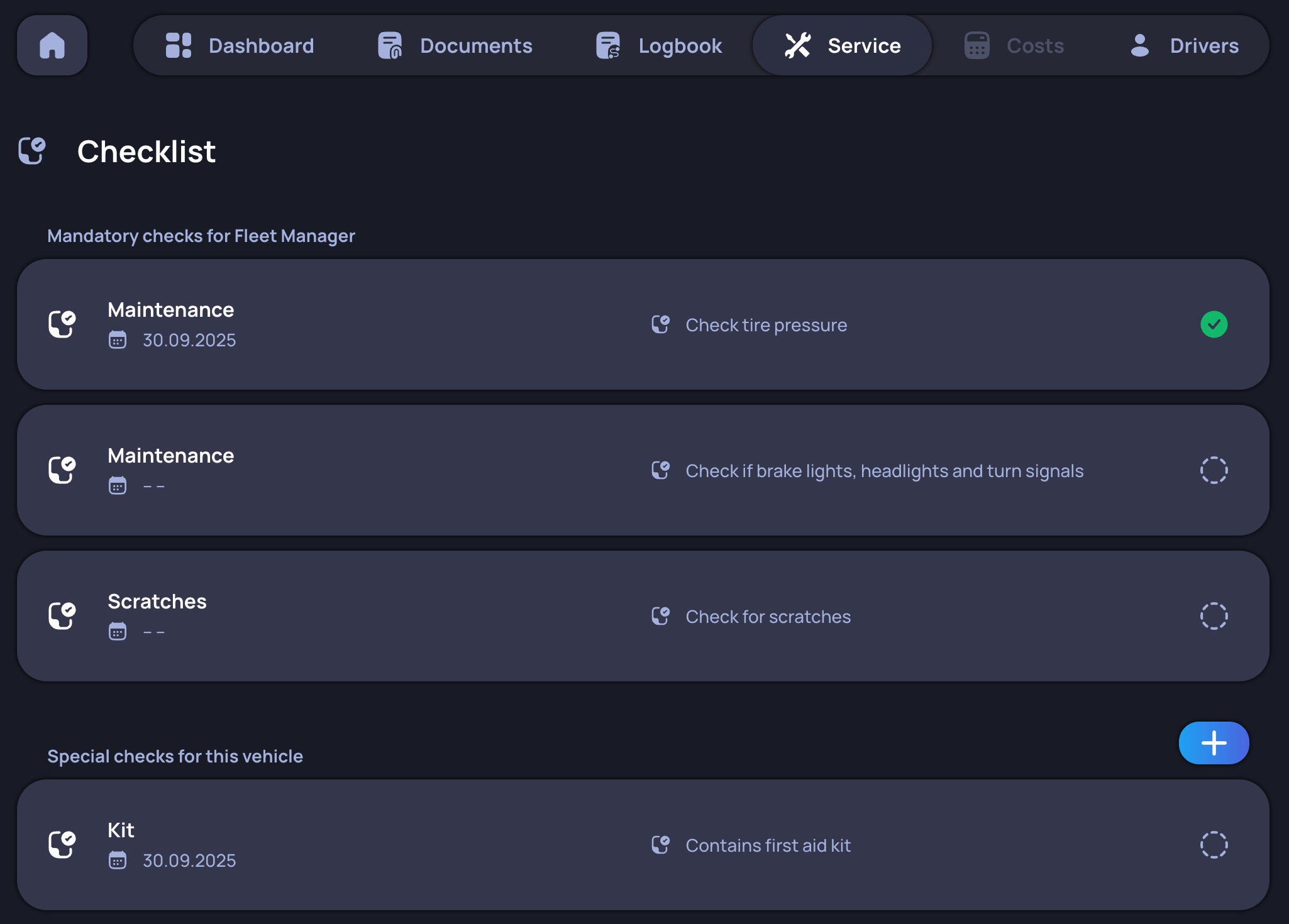
Every vehicle includes a list of items that need to be inspected regularly. Each vehicle under an asset provider has the same base checklist, which can be customised.
Damage management
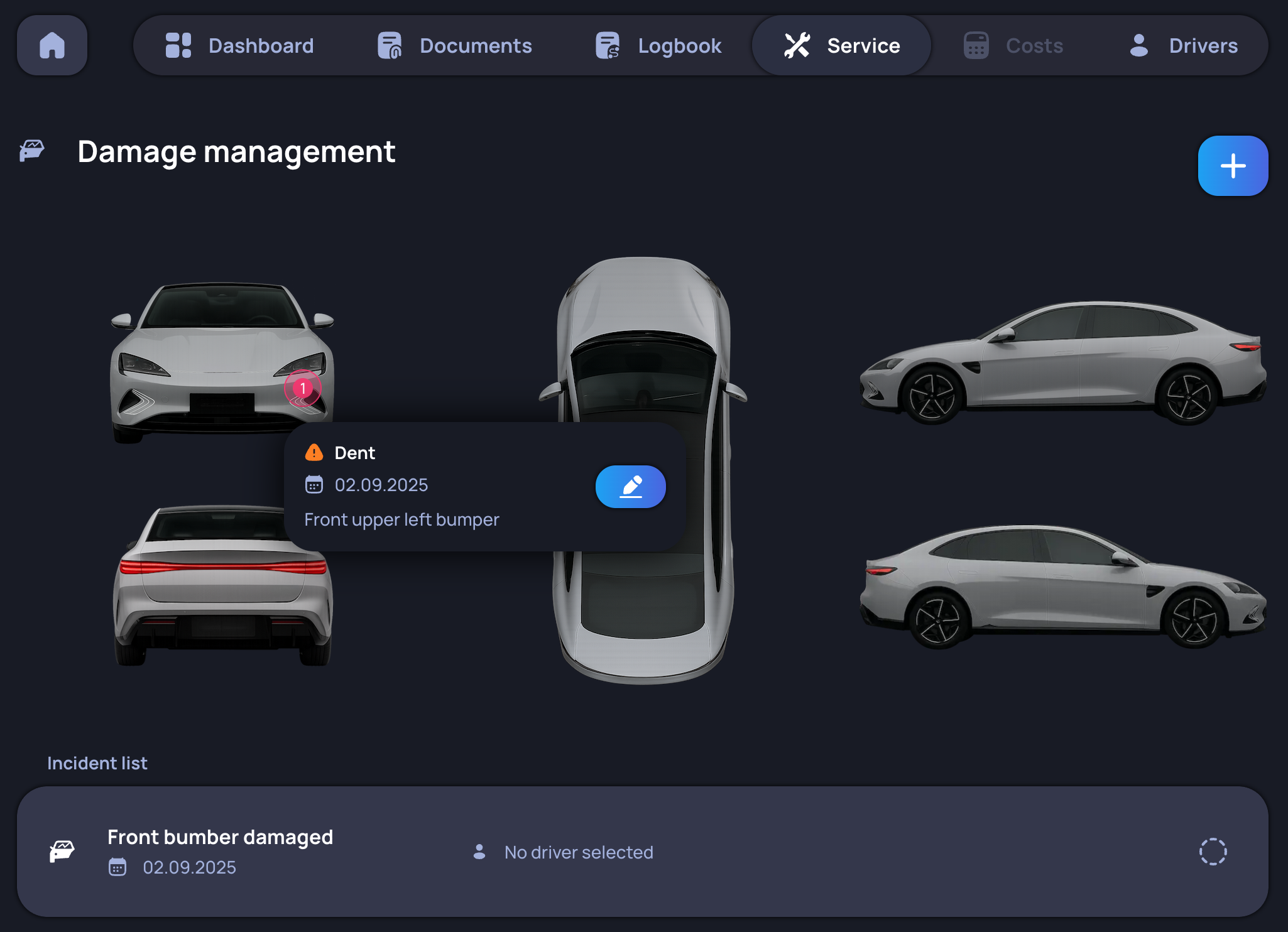
This tab shows all accidents that have occurred, the resulting damage and the location of the damage visualised on a vehicle model.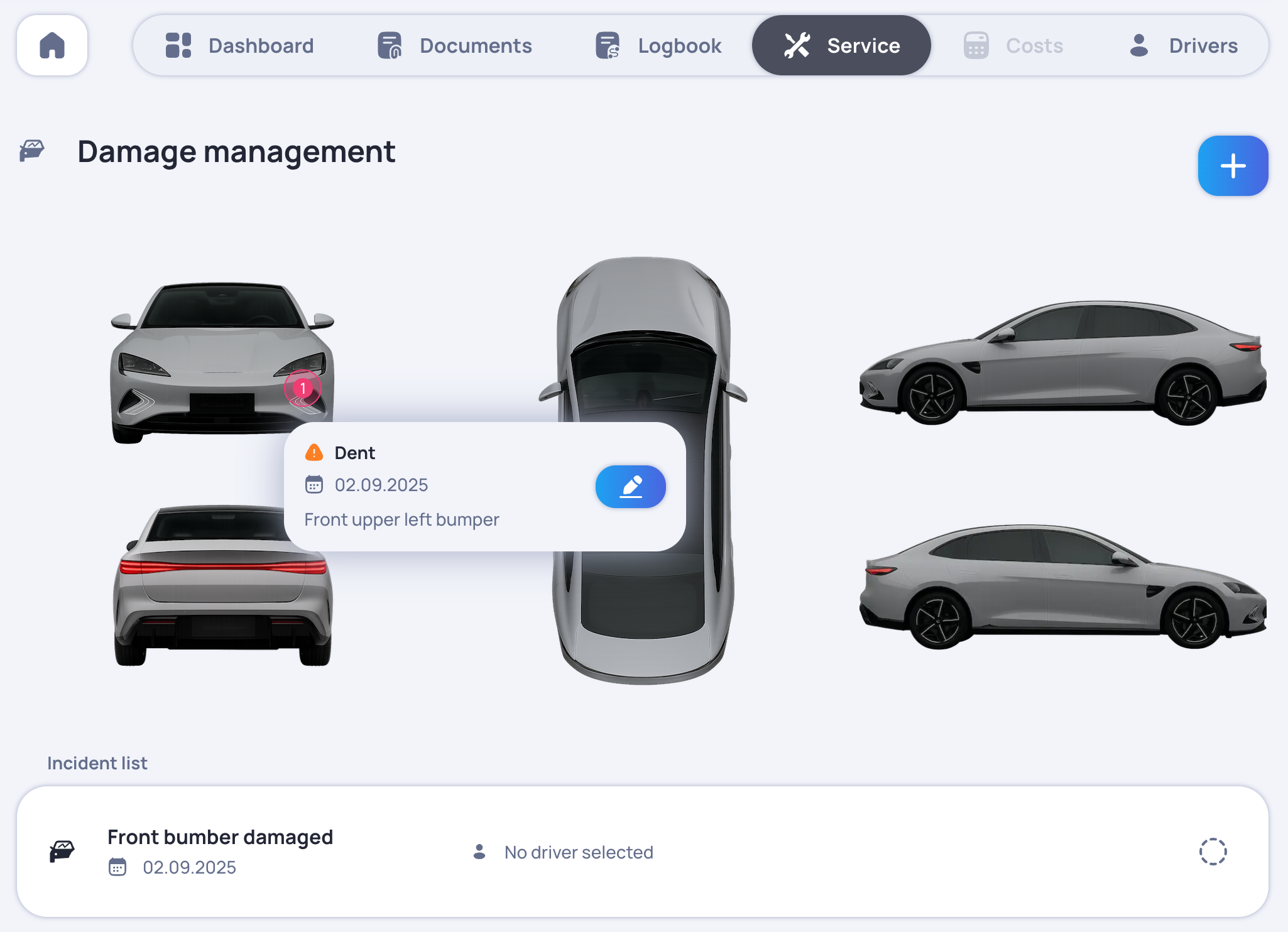
Maintenance
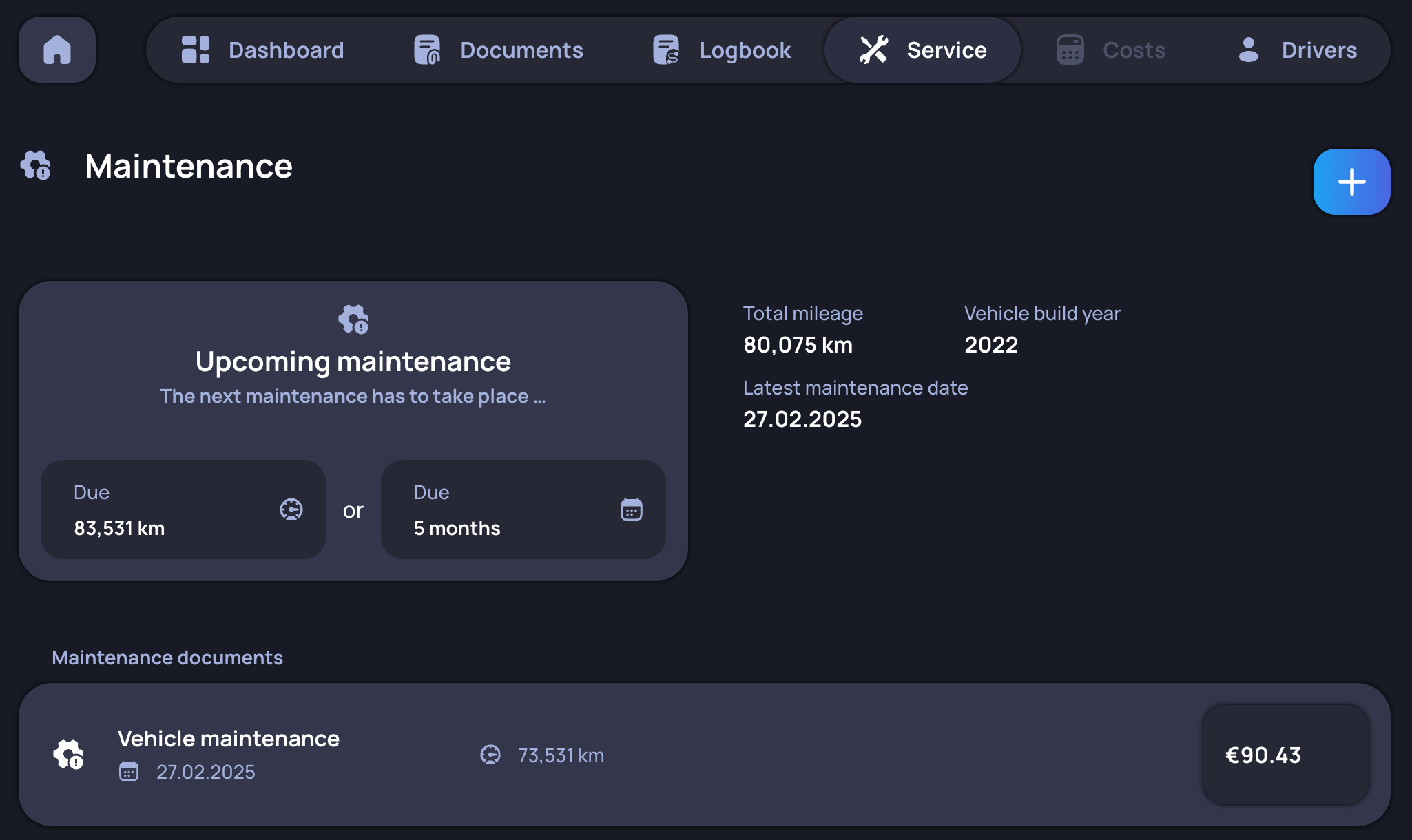
This tab comprises all workshop visits or maintenance procedures, along with their associated costs and the mileage at the time. Uploading invoices is also possible. Additionally, the next recommended maintenance work (based on estimated mileage or date, calculated from the make and model of the vehicle) is displayed.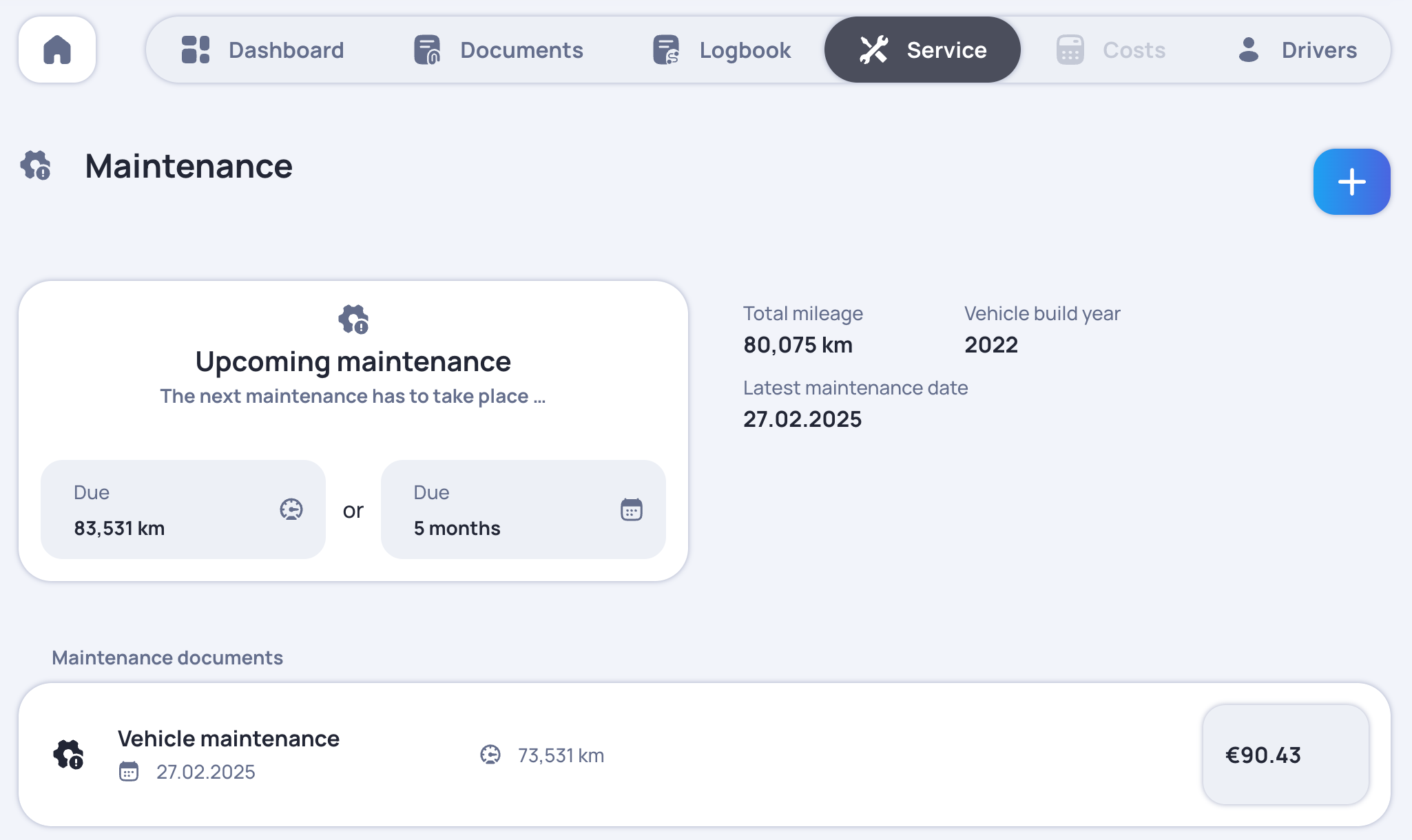
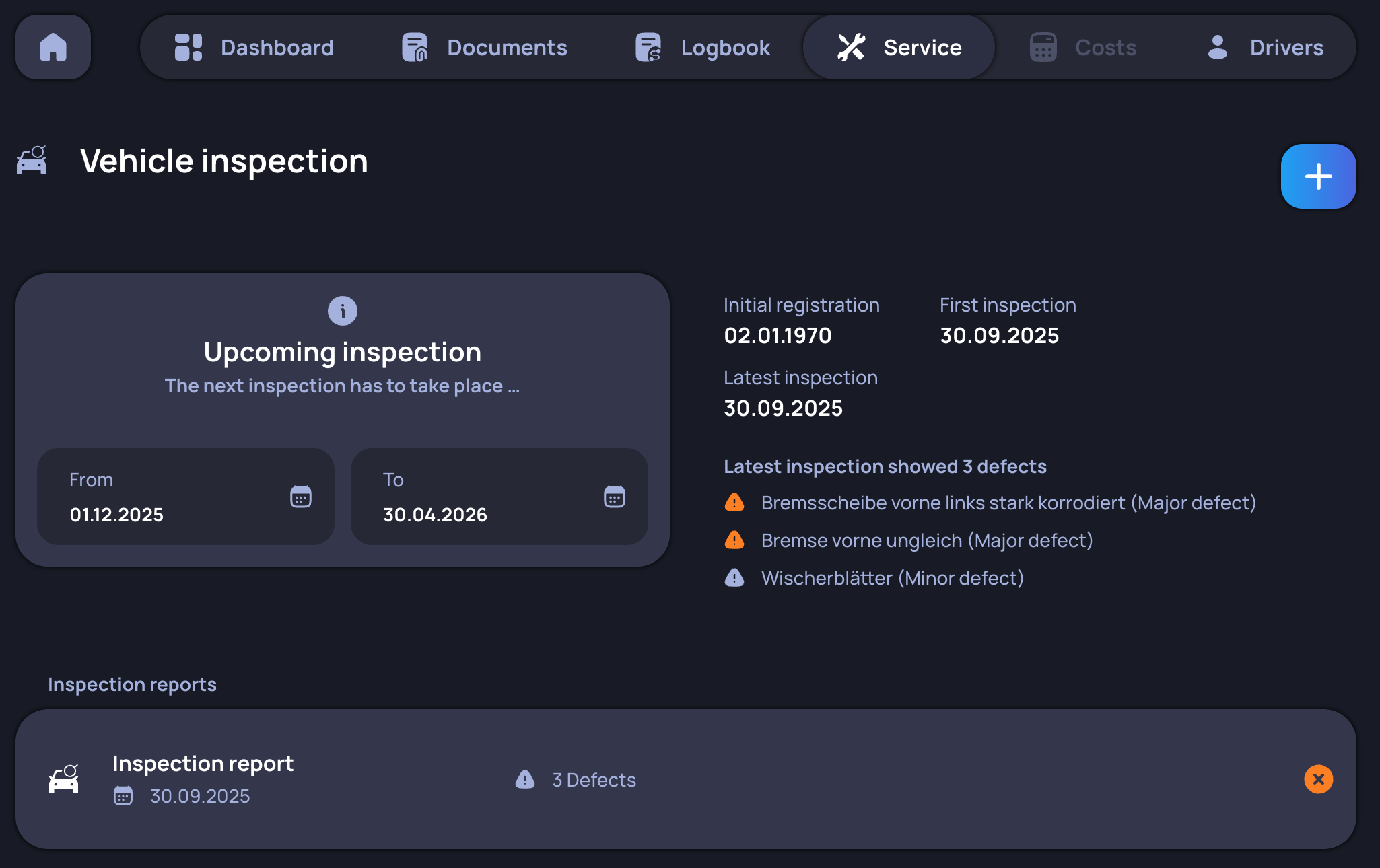
Vehicle inspection
Due to many countries requiring regular assessments by law, these inspections are separated from the maintenances for a clearer overview. Furthermore, additional information such as the discovered defects is shown.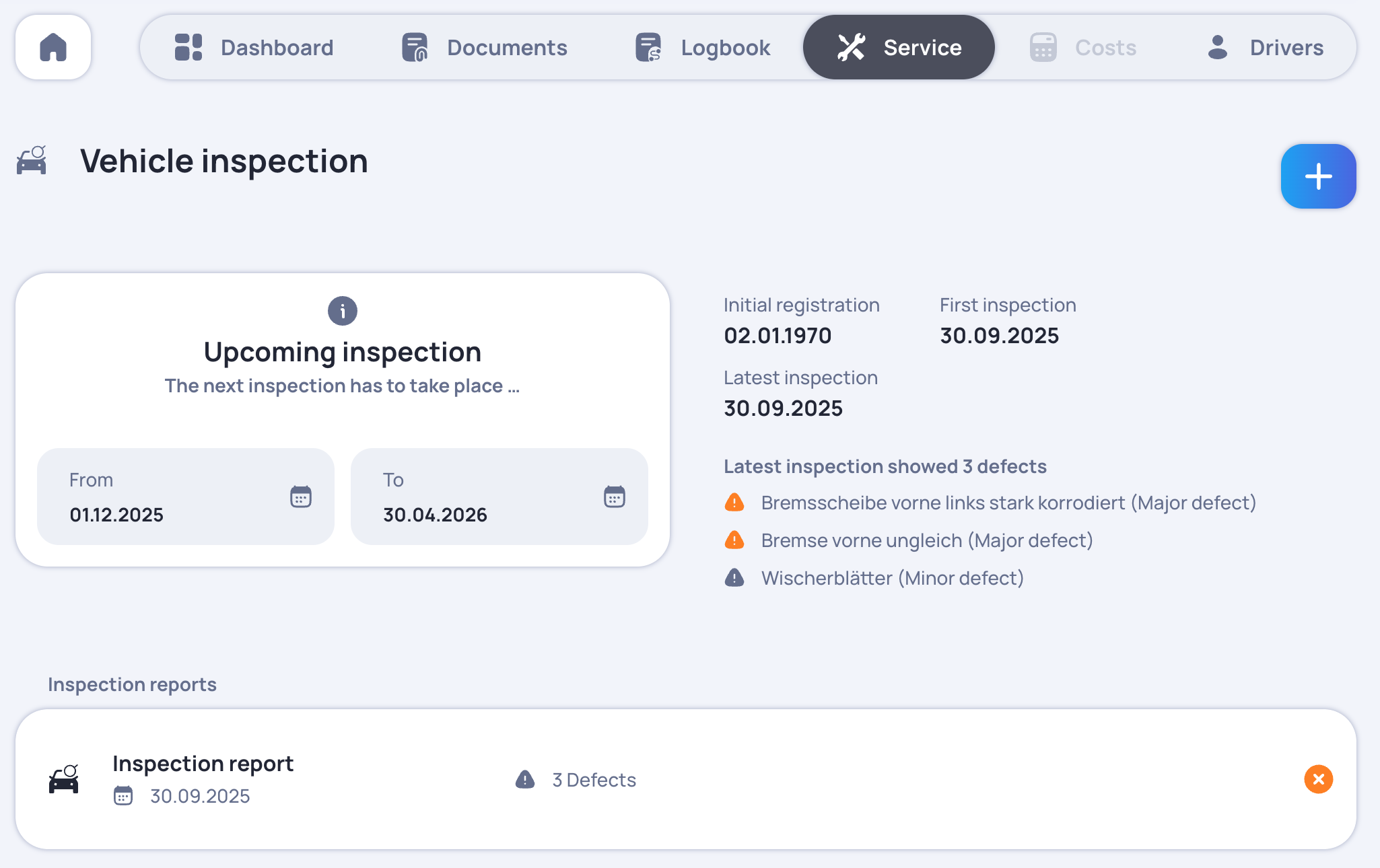
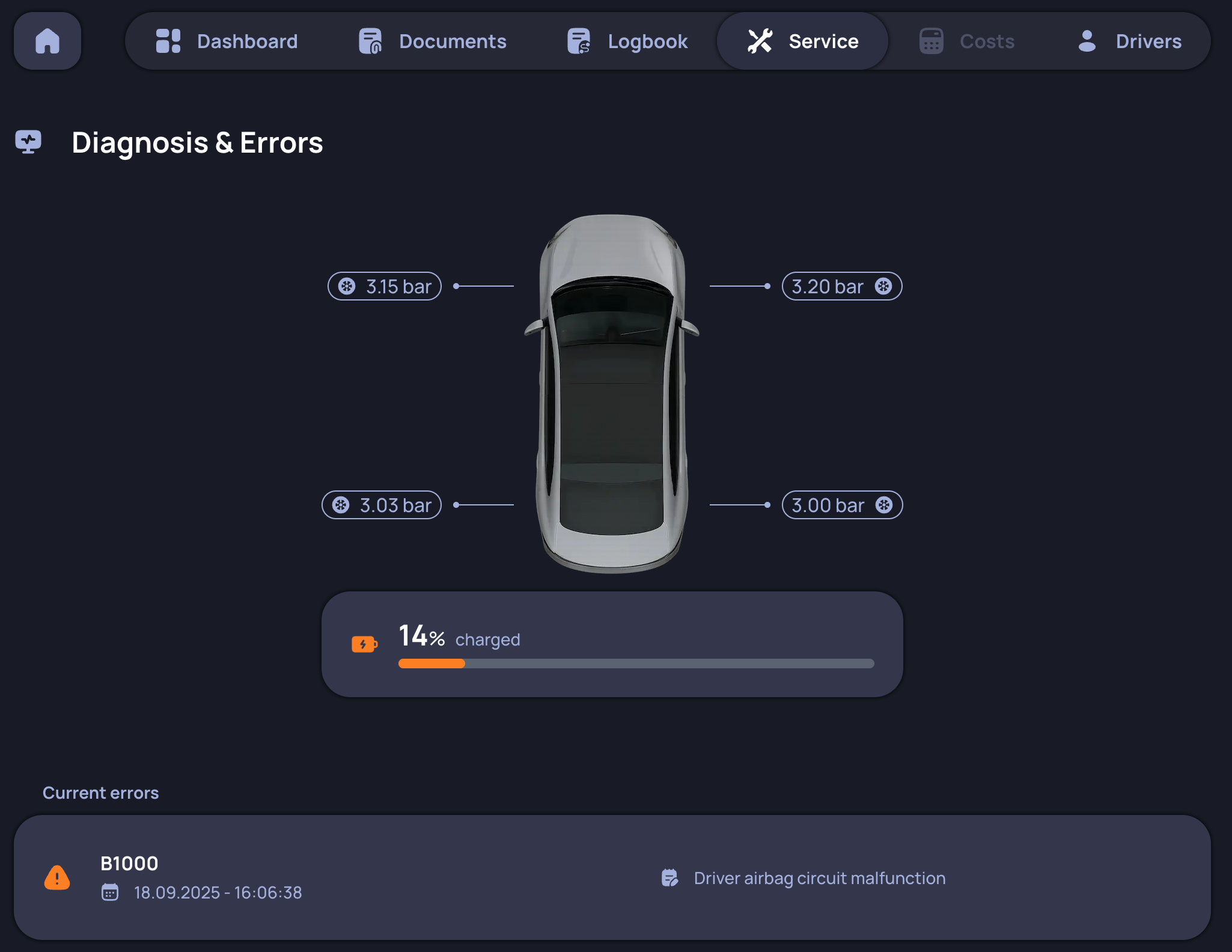
Diagnosis & Errors
Issue relevant information is presented here - for instance the current tire pressure and every error code (with its meaning translated) read from the on-board computer.
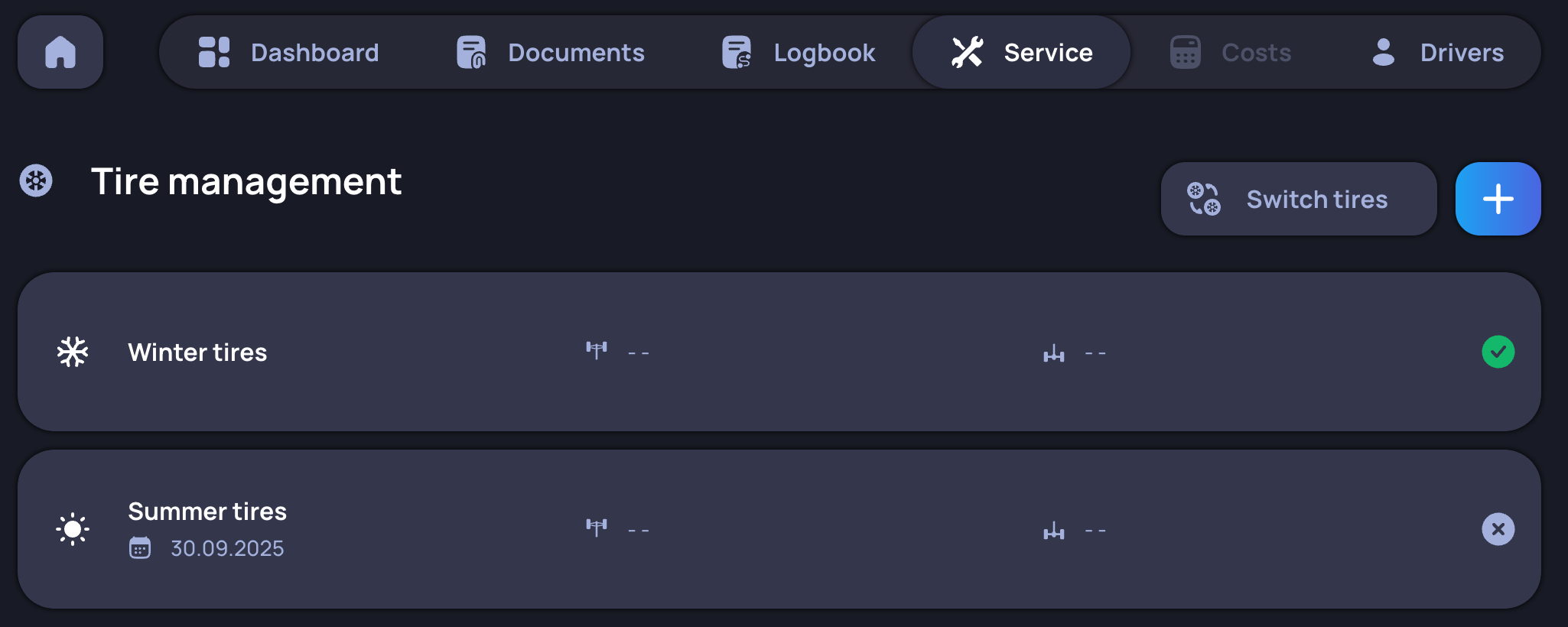
Tire management
Providing all tire sets of a vehicle is the main purpose of this tab. The tires can be differentiated by whether they are attached to the front or rear axle, by season and by their calculated mileage. It is also possible to select which tires are currently in use.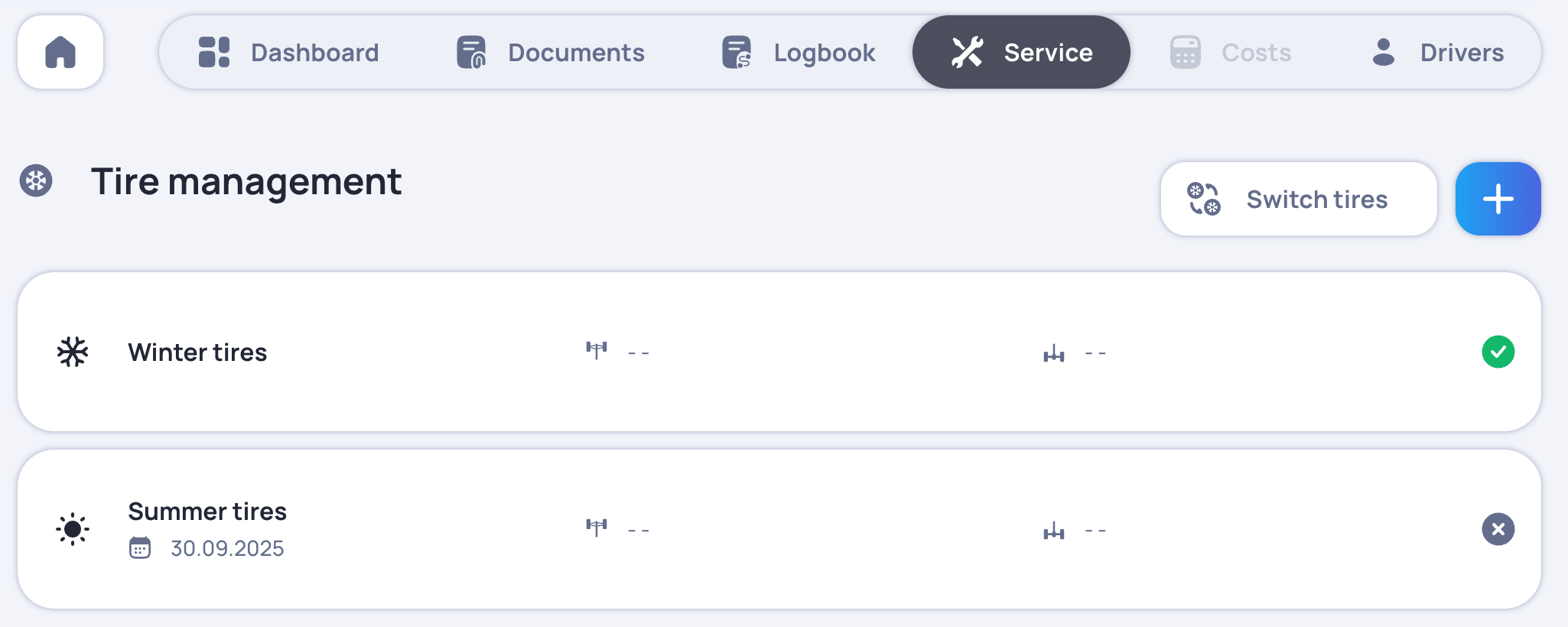
Offense management
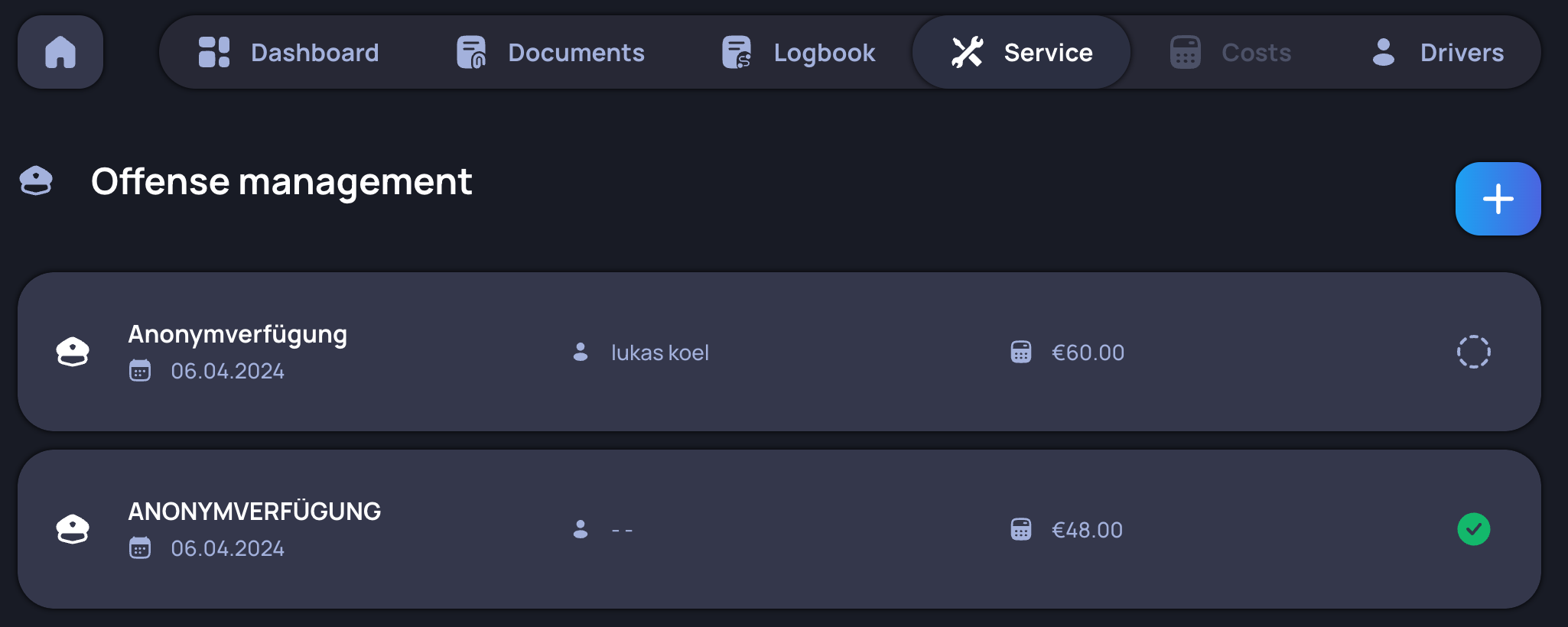
Here are all of the uploaded offense invoices listed. For each offense the fine is extracted and the driver it was committed by can be selected.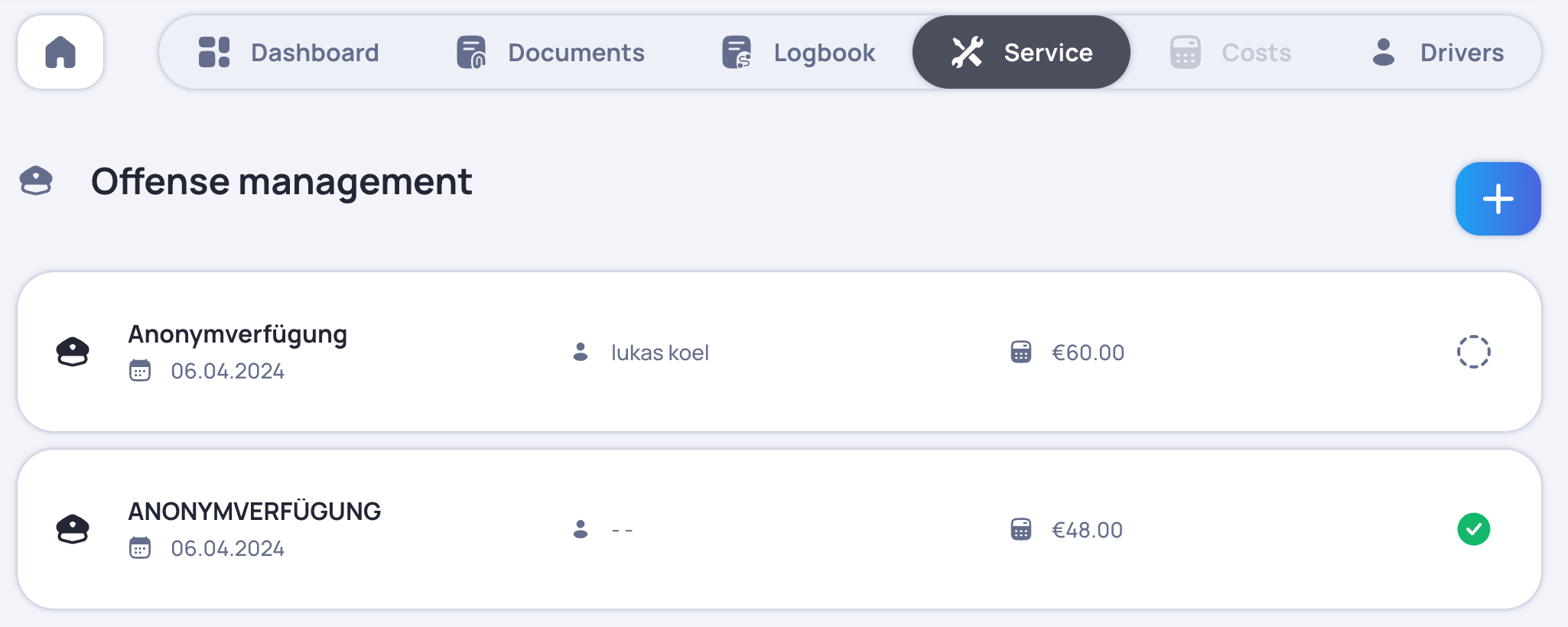
Costs
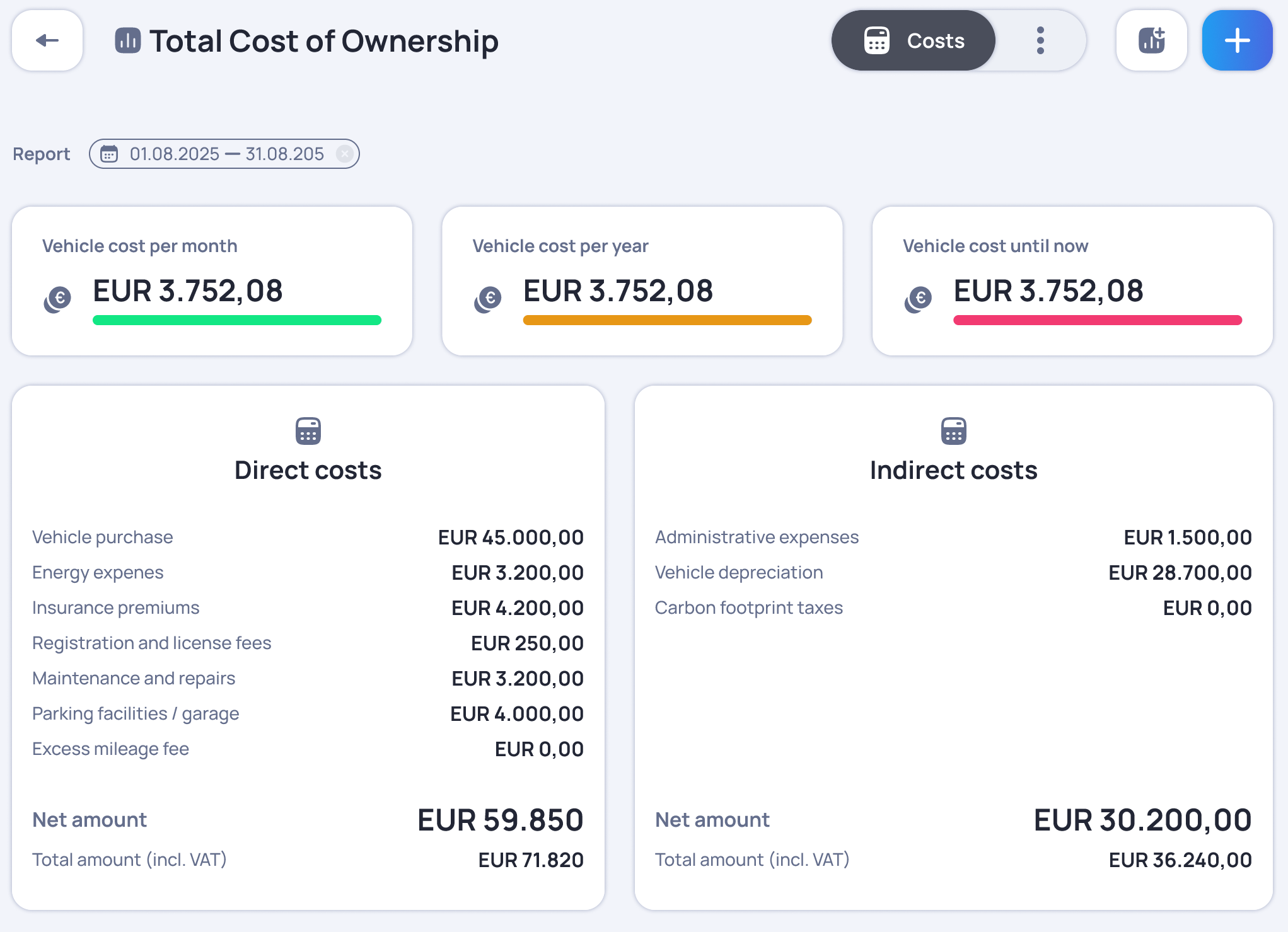
All of the accumulated direct and indirect costs that are linked to uploaded invoices are displayed with a separate view for the total costs summarised under several categories.