> ## Documentation Index
> Fetch the complete documentation index at: https://docs.smartmove.eu/llms.txt
> Use this file to discover all available pages before exploring further.
# Explanation
> An in-depth explanation of Fleets
## Offenses
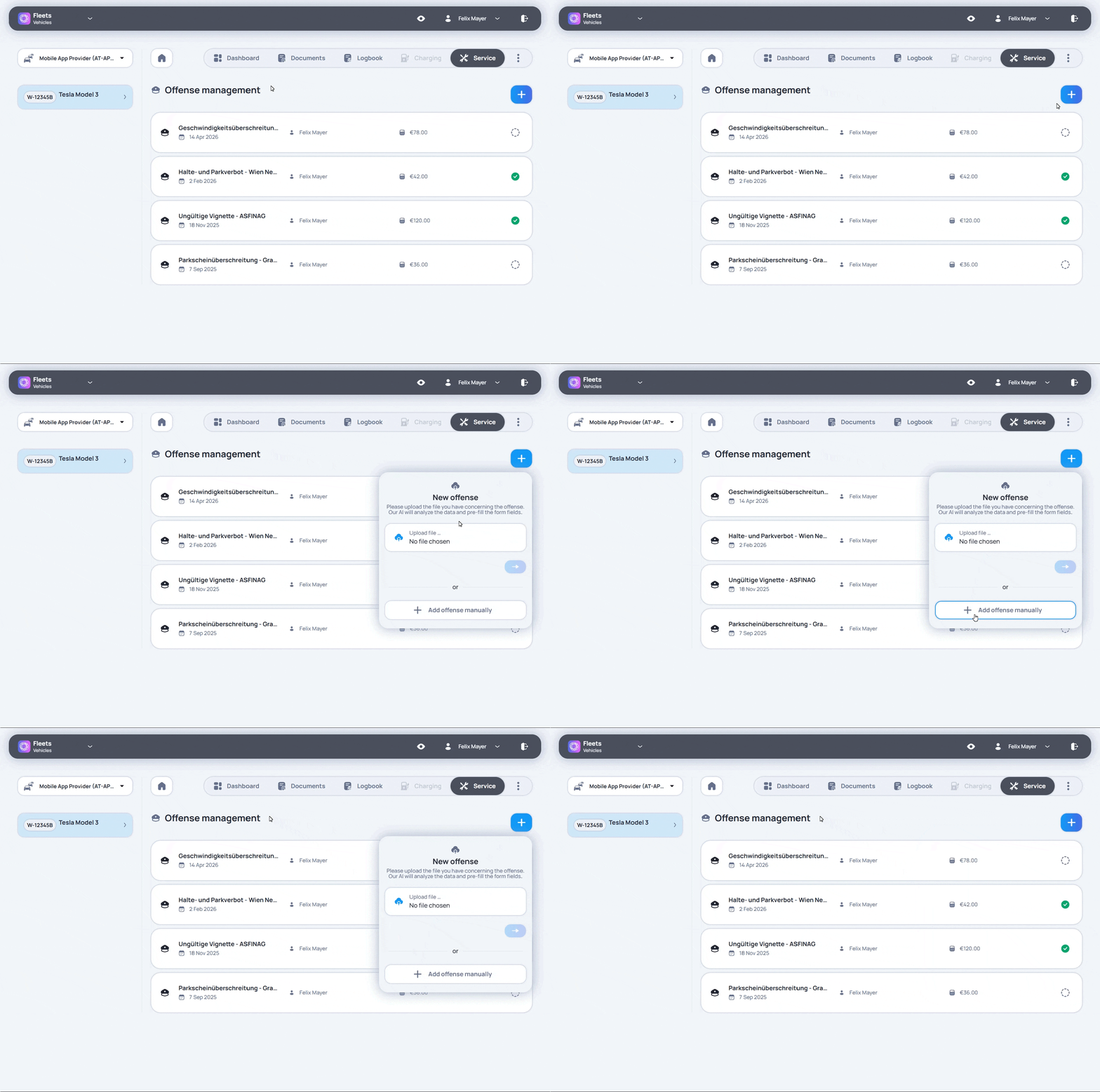
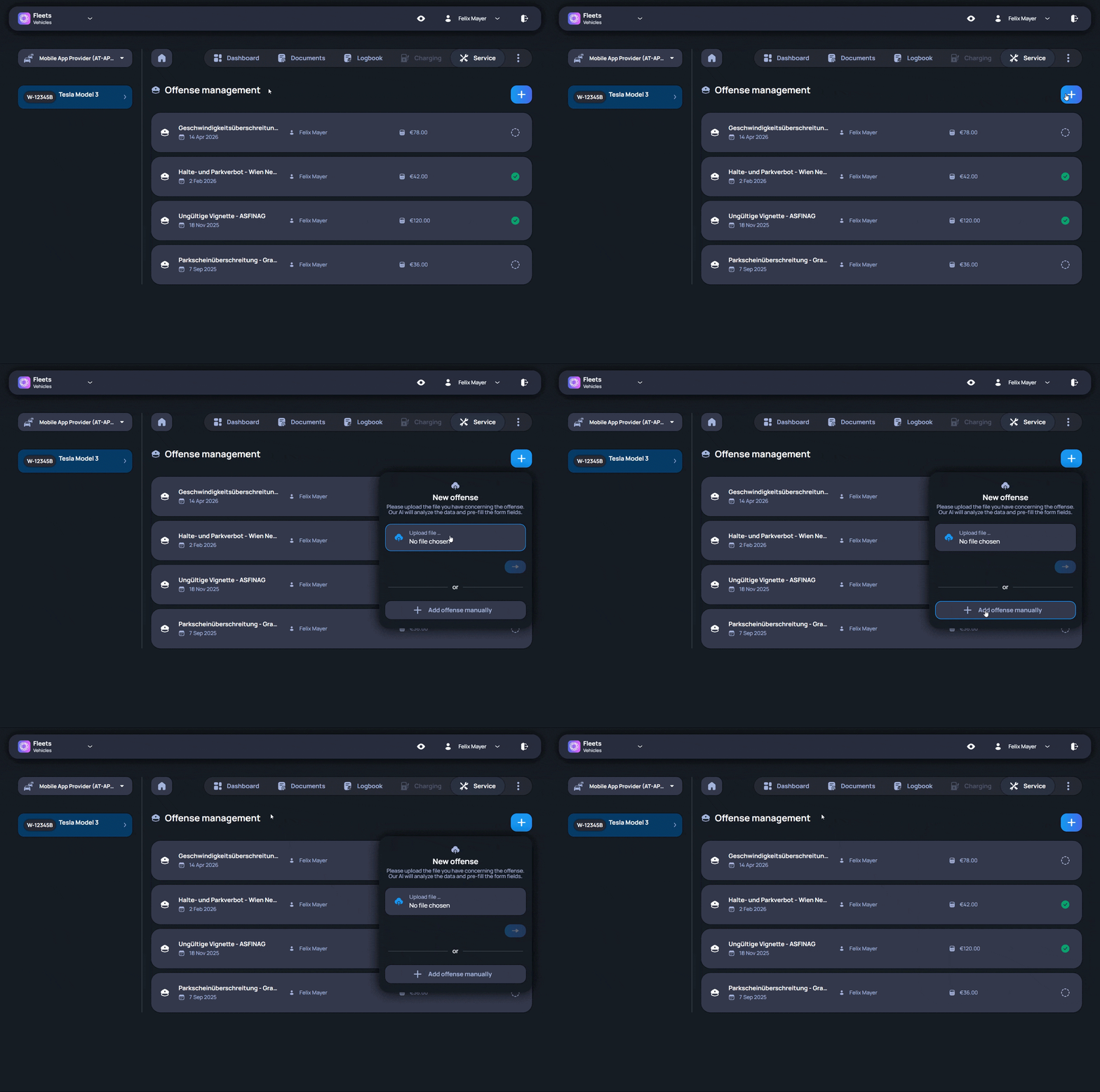
Offenses manages fines and traffic-related cases.
Each offense is linked to the correct vehicle. If the responsible driver is known, the case can also be assigned to that driver.
The overview shows which cases are open and which ones have already been handled. This is useful when deadlines need to be followed or when a case needs to be checked again later.
Keeping offenses in Fleets shows a clearer record of each case. The information stays connected with the related vehicle and driver context instead of being spread across different communication channels or separate files.