> ## Documentation Index
> Fetch the complete documentation index at: https://docs.smartmove.eu/llms.txt
> Use this file to discover all available pages before exploring further.
# Explanation
> An in-depth explanation of Fleets
## Dashboard
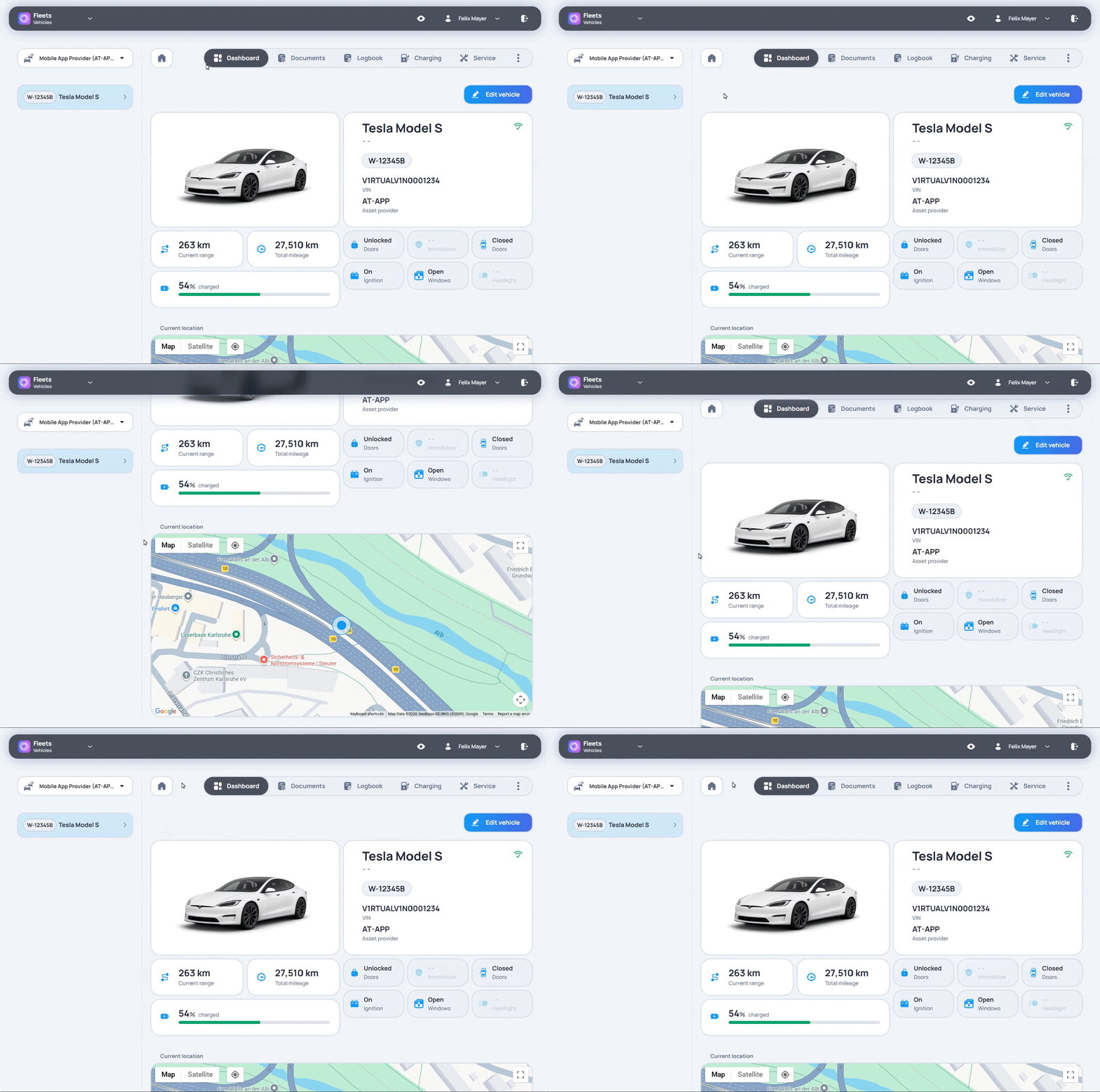
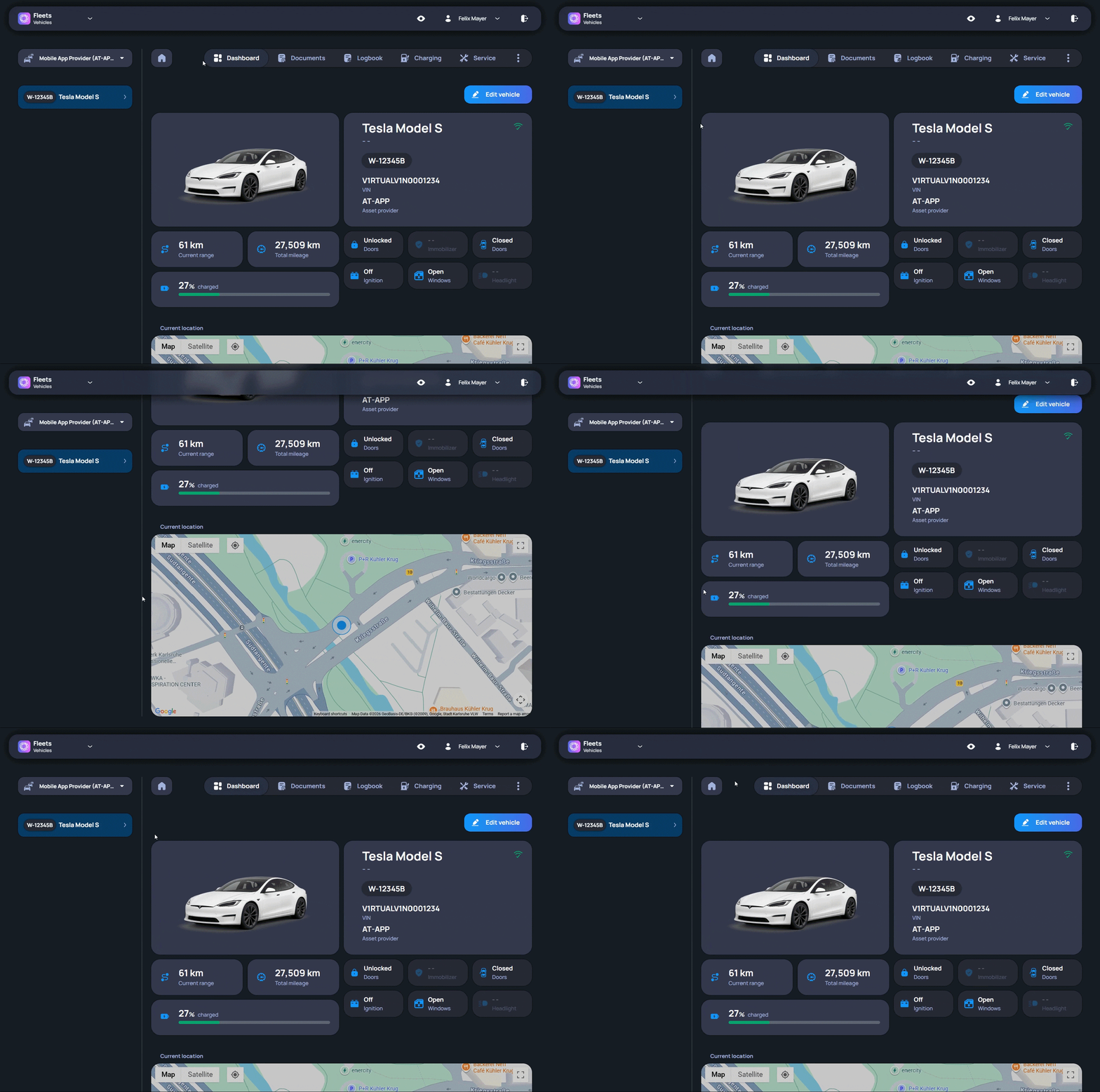
The Dashboard provides a first overview of the current fleet status.
Important vehicle information is available in one central view, so users do not have to open every vehicle separately. This makes it easier to see which vehicles are ready for use, which vehicles may need attention, and where a closer look is needed.
The Dashboard is often the first page users check during daily fleet work. It gives enough information to decide what to do next, without showing every detail at once.
When more information is needed, users can open the relevant vehicle record from the overview and continue working in the correct vehicle context.