> ## Documentation Index
> Fetch the complete documentation index at: https://docs.smartmove.eu/llms.txt
> Use this file to discover all available pages before exploring further.
# Explanation
> Clarification of the admin panel
## Vehicle Categories
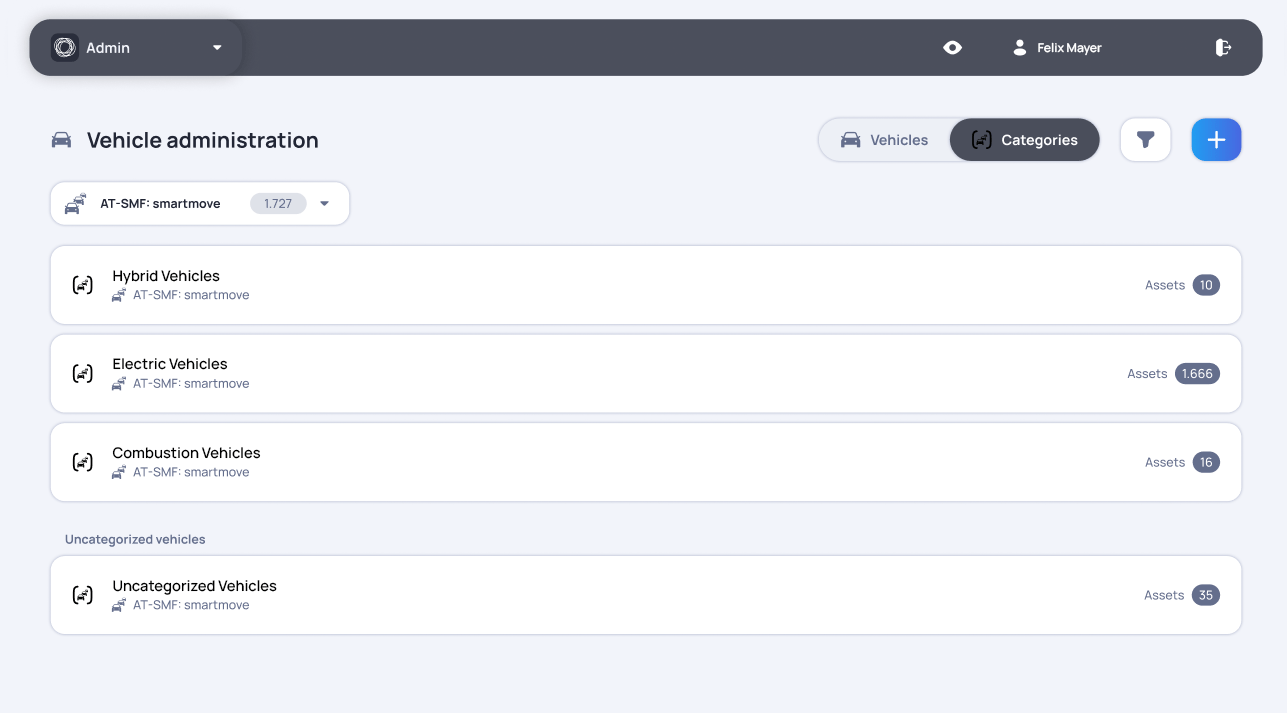
Vehicle Categories allows users to organize vehicles into custom groups based on their specific needs, such as size, type, class or intended use.
It provides a clearer structure for larger fleets and makes it easier to distinguish between groups such as small and large vehicles, standard cars and premium models.
Categories can be adapted to match the way each company manages and uses its fleet. This keeps vehicle organization consistent and makes it easier to find and manage the right vehicles in daily operations.