> ## Documentation Index
> Fetch the complete documentation index at: https://docs.smartmove.eu/llms.txt
> Use this file to discover all available pages before exploring further.
# Customer Management
> Clarification of the admin panel
## Customer Management
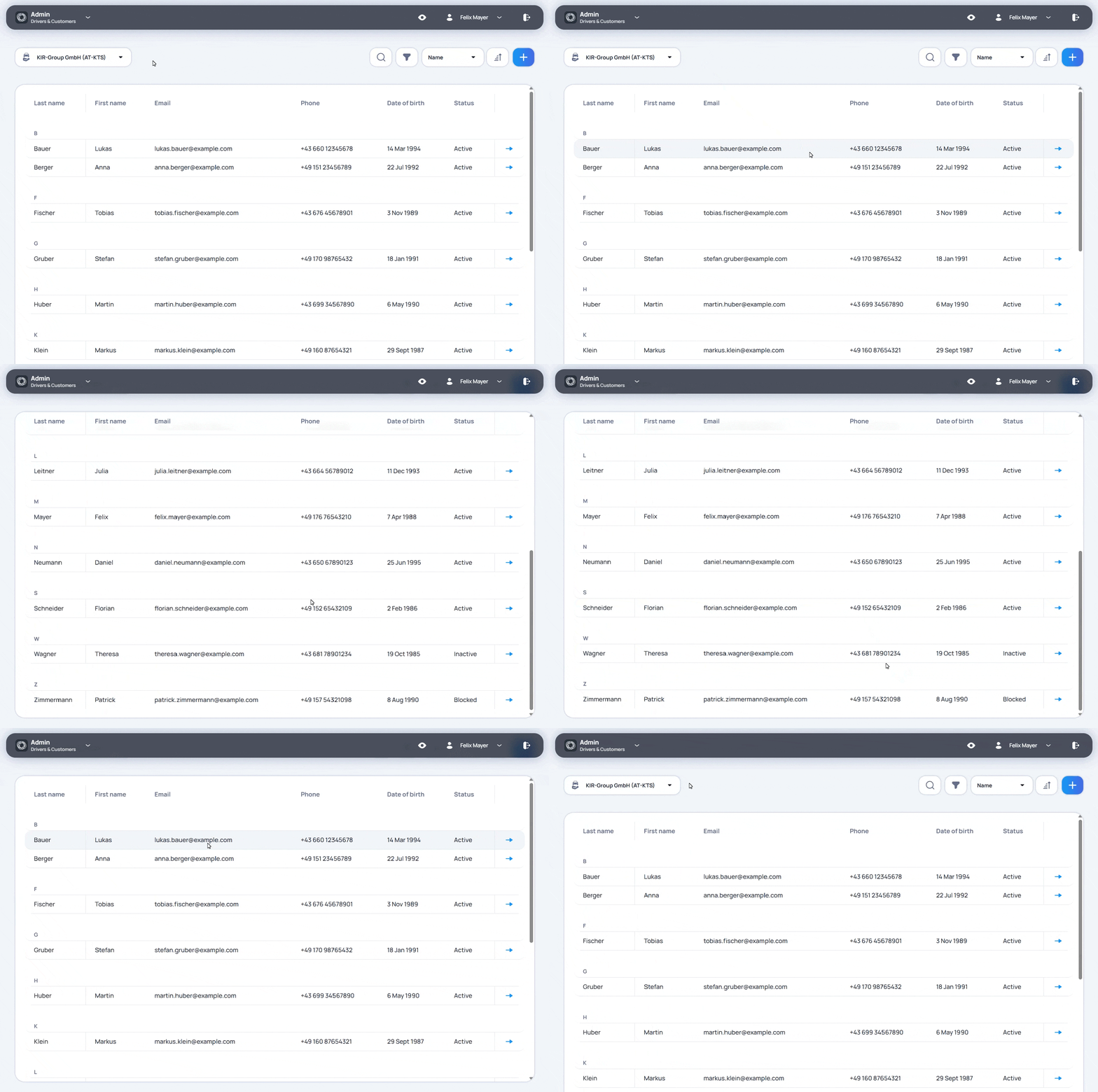
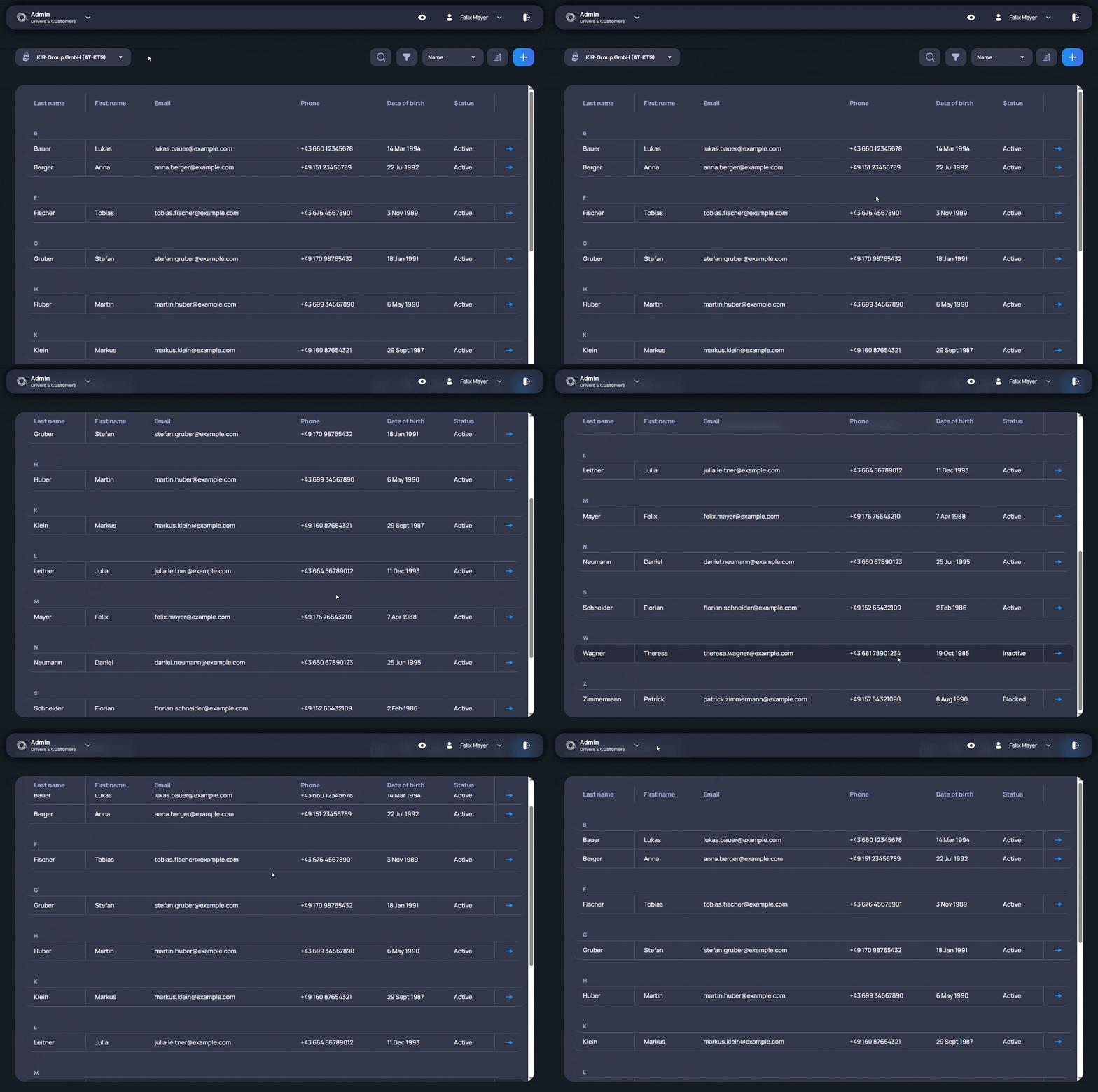
Customer Management is used to manage driver profiles in the smartmove Portal. It helps users review the information connected with a driver and understand the activity linked to that person.
Users can start from the list of drivers and open the profile that needs to be checked. The profile keeps the driver data together with the information needed for daily administration. This makes it easier to confirm details, check the current status, and continue with the next step based on the same profile.
Customer Management also connects the driver profile with activity created in smartmove. Users can review previous vehicle bookings and charging sessions linked to the driver. Notes and journal entries added earlier also remain connected with the same profile, so additional information from past use can be checked together with the driver data.
This is useful when a driver related case needs to be reviewed. Instead of checking bookings, charging activity, and notes in separate places, users can start from the driver profile and follow the related information from there.
Customer Management helps users keep driver administration easier to control. It gives them a structured way to check driver information, understand past activity, and review additional notes when something needs attention.